Travertine Dinner Party Sets

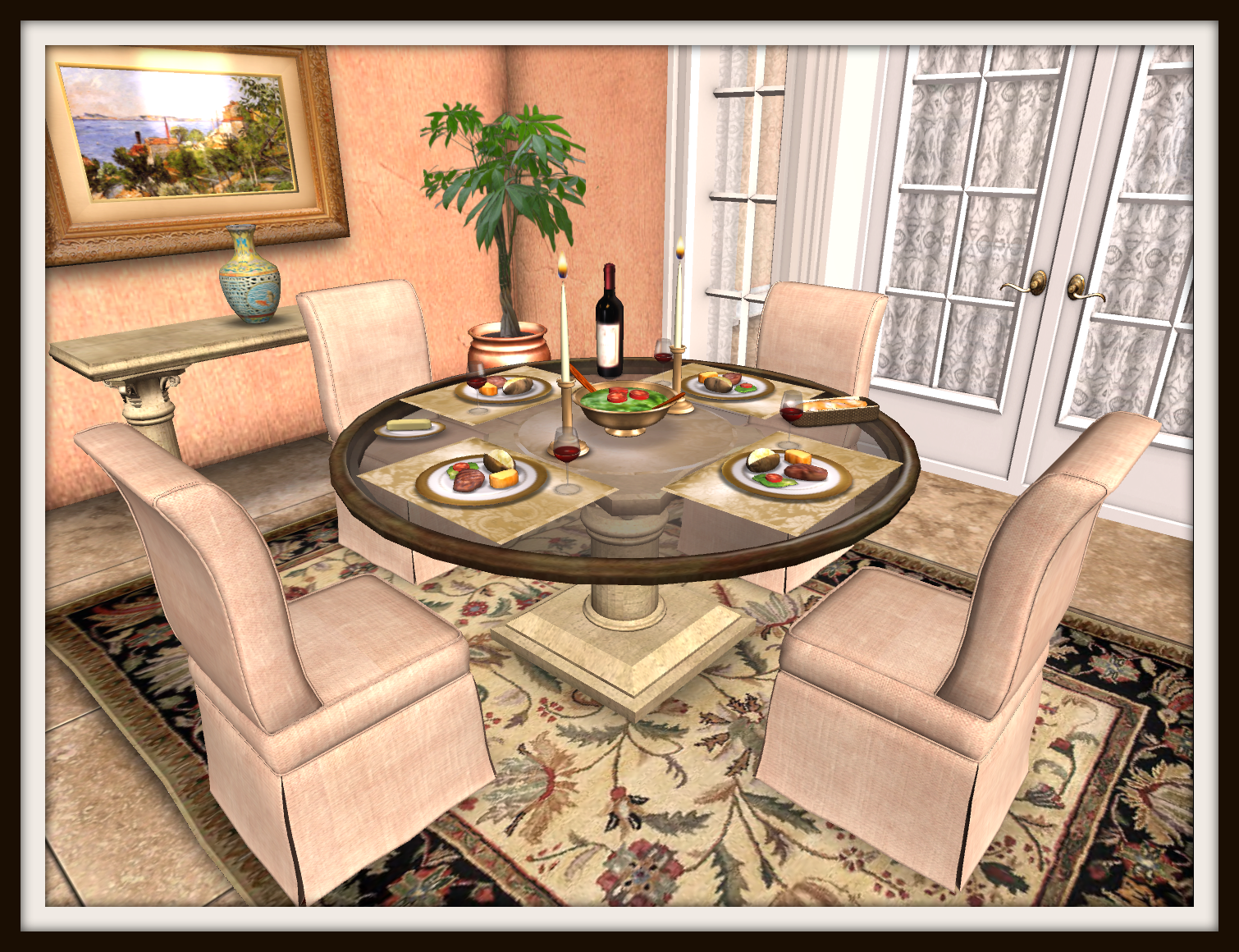
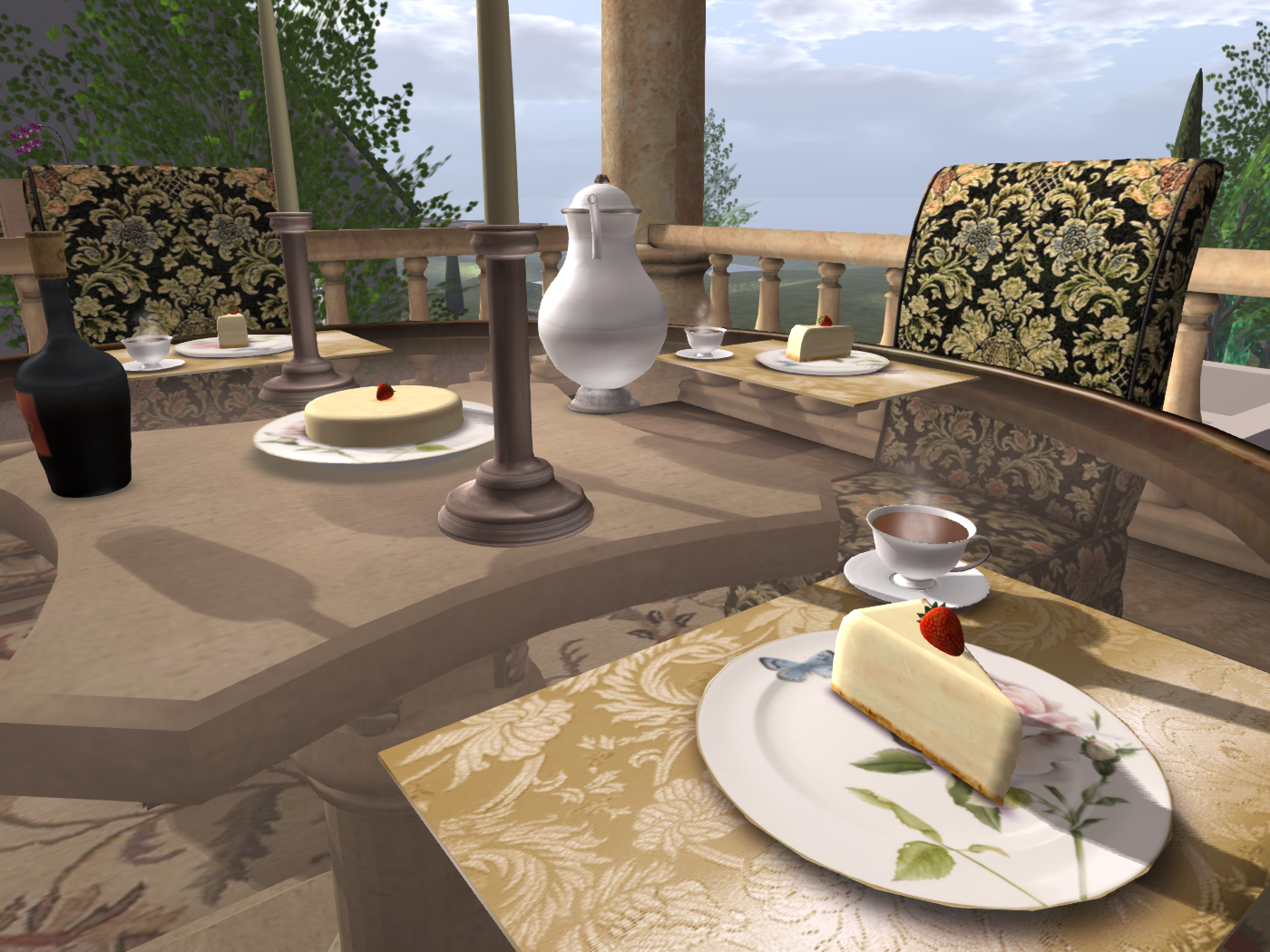
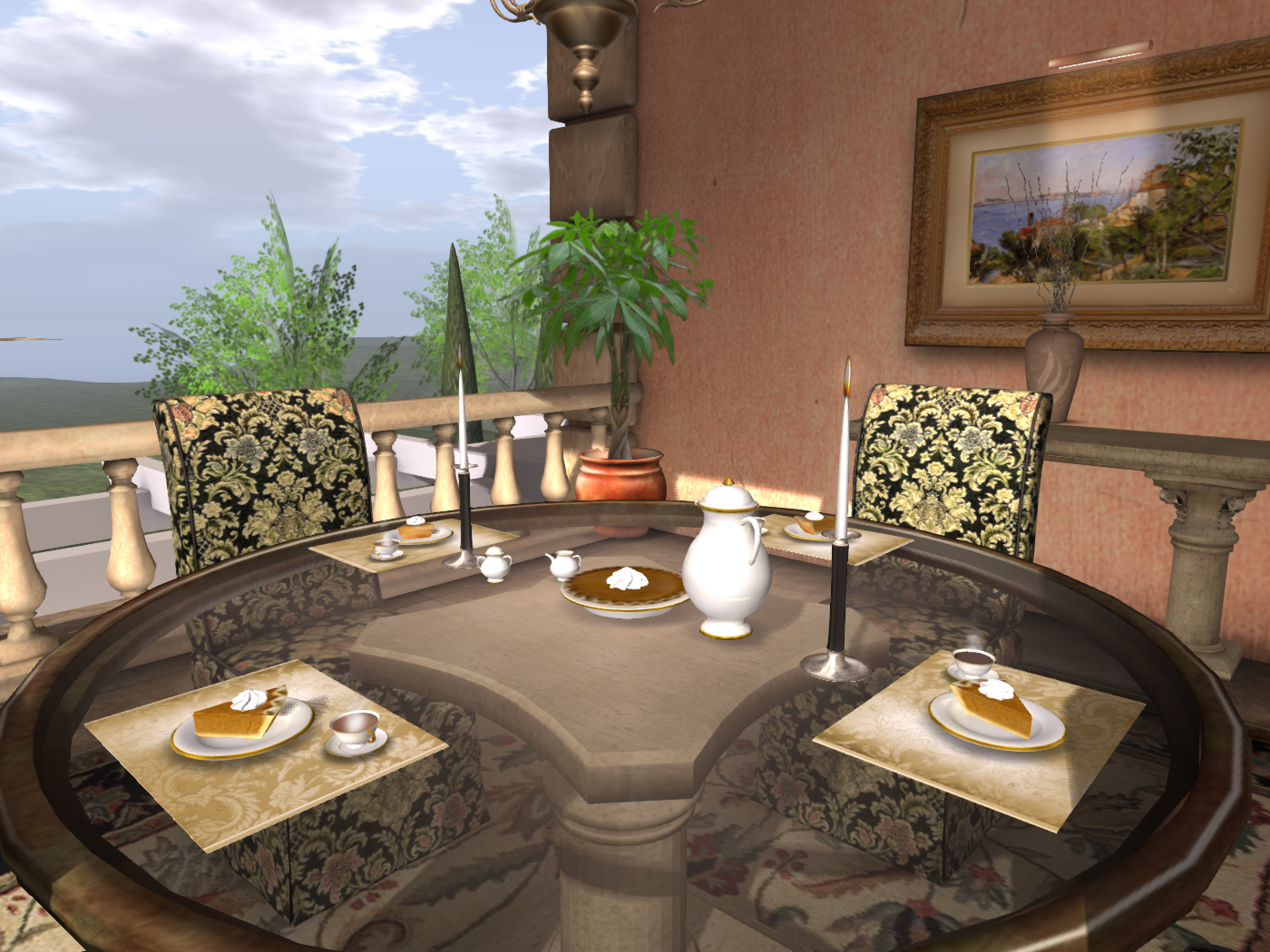
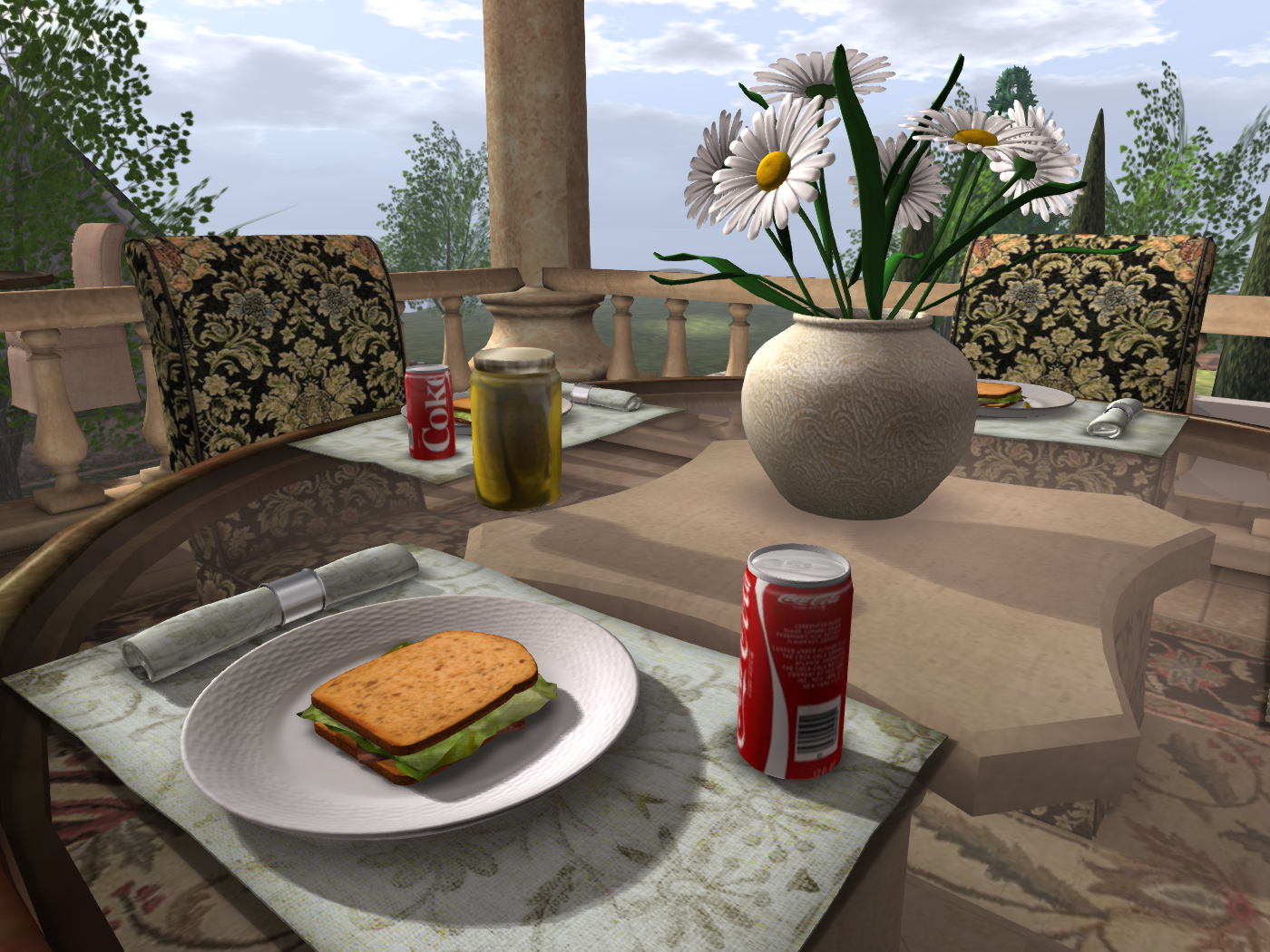
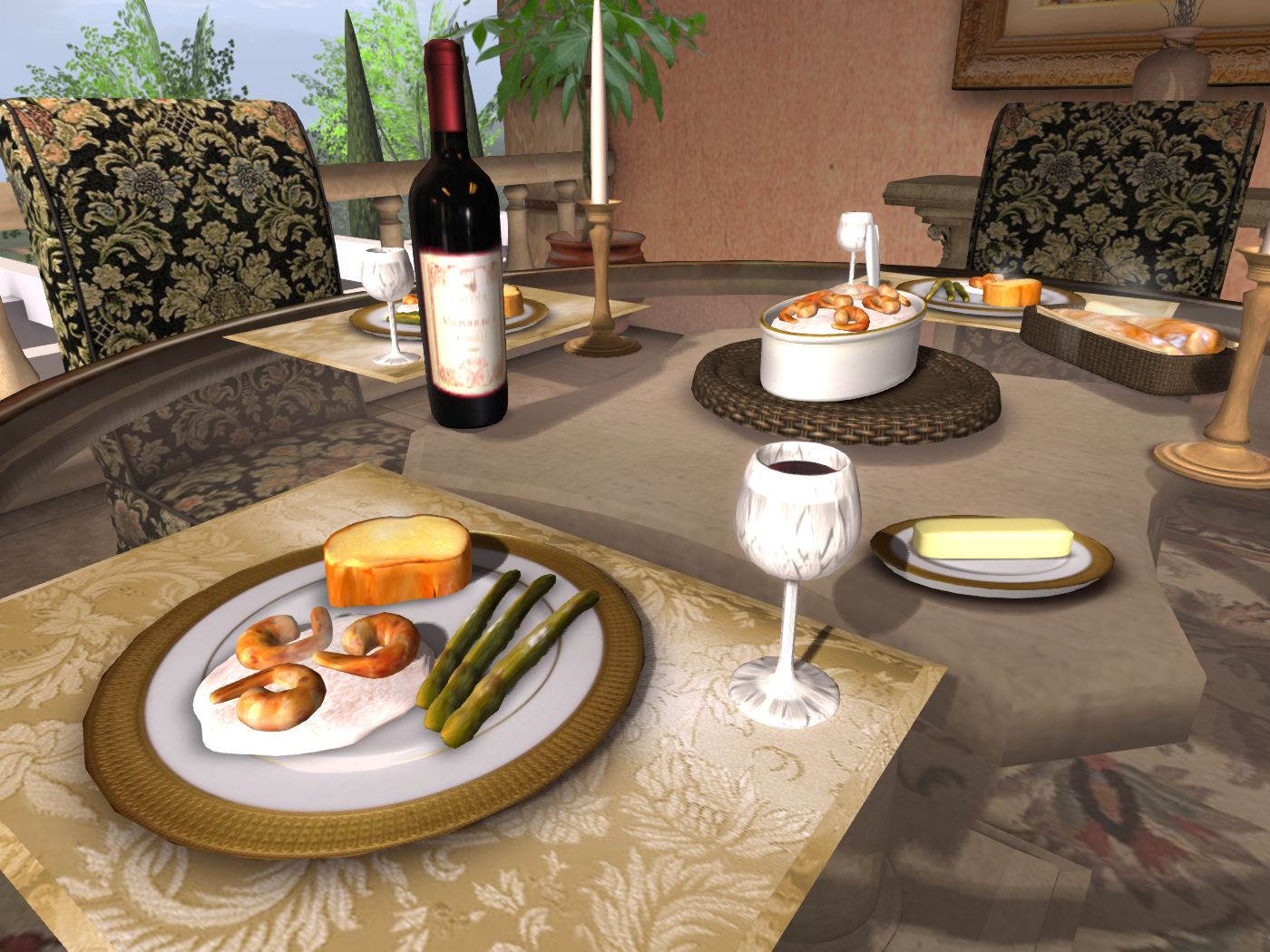
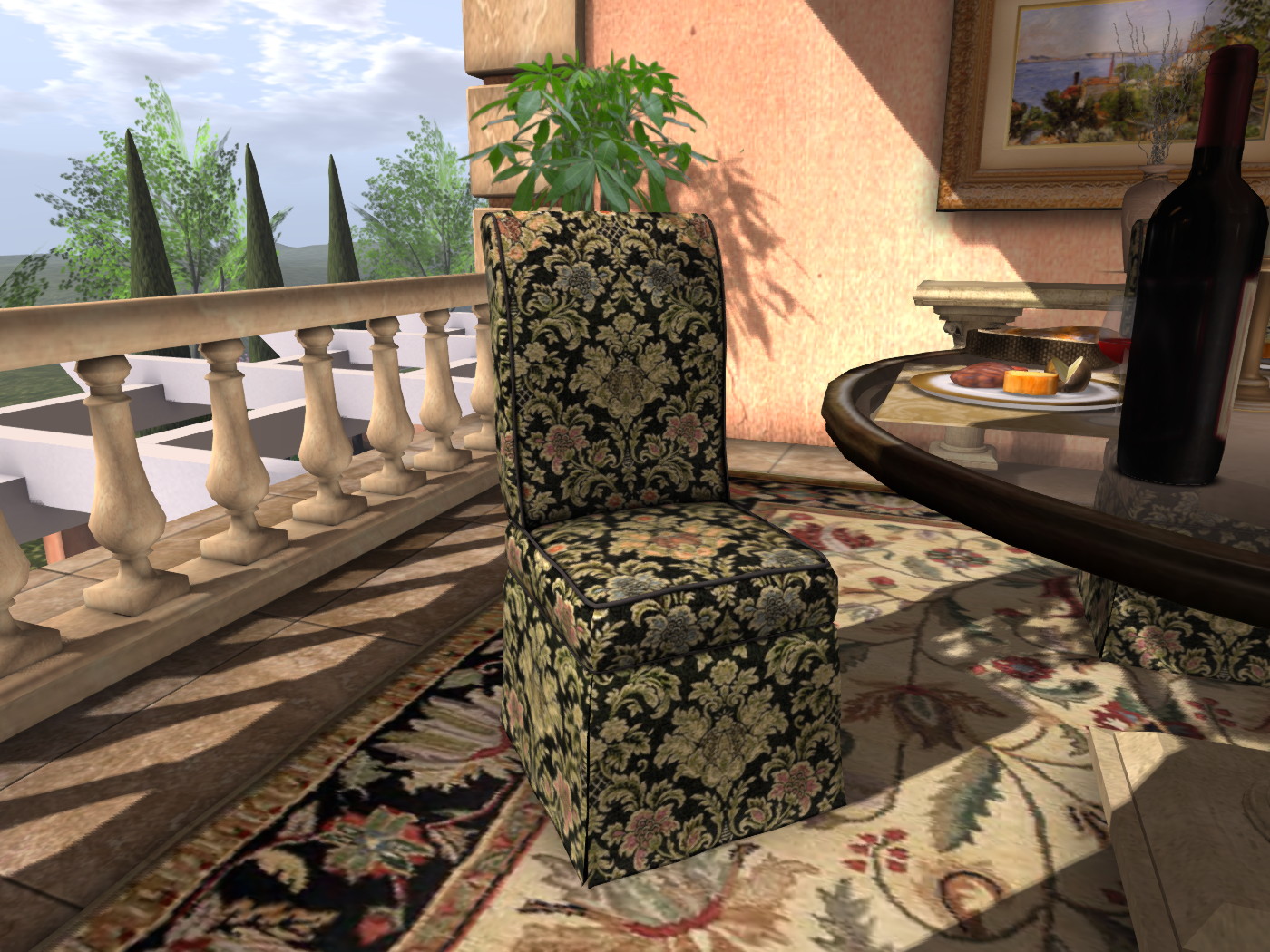
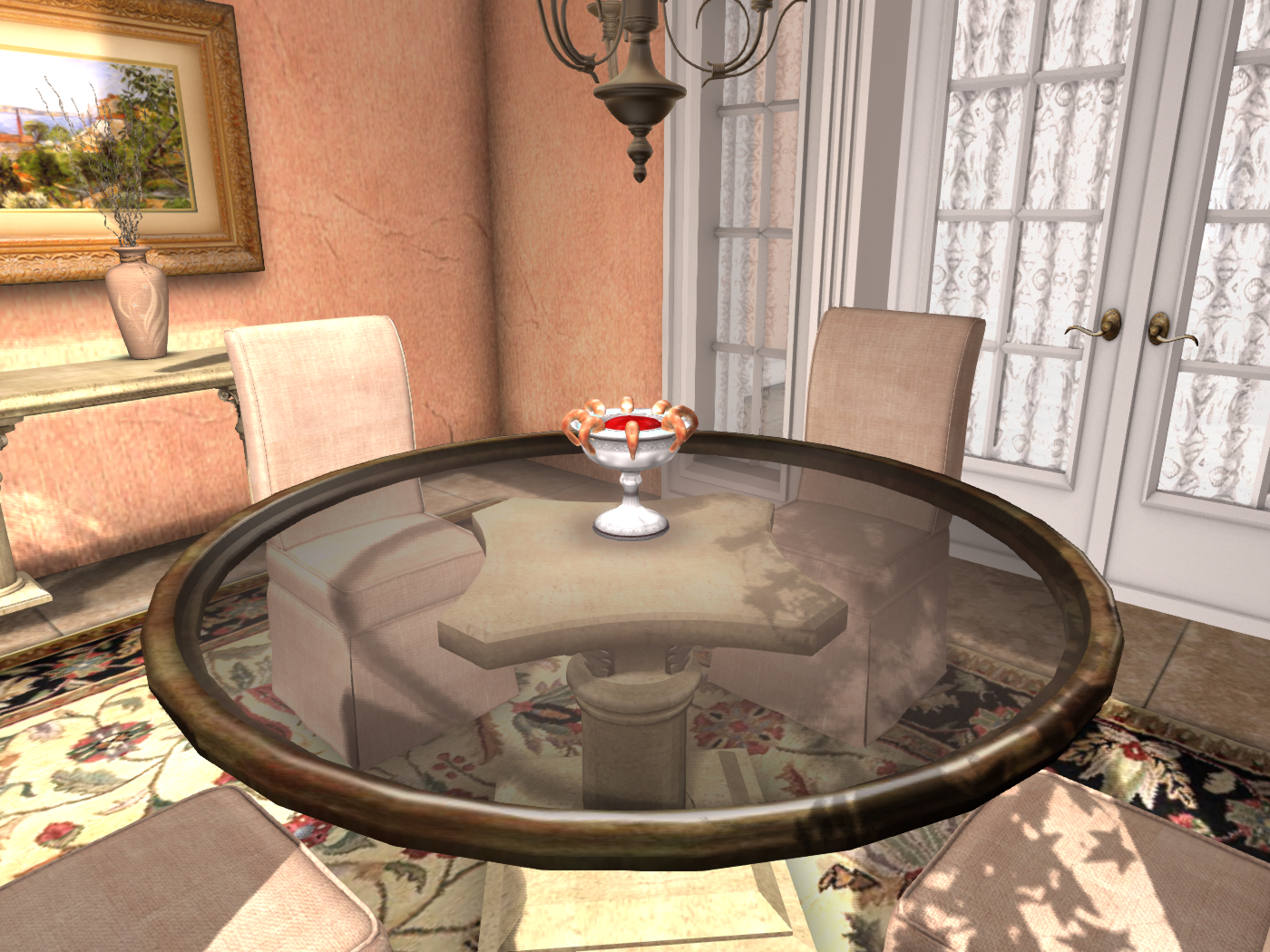
These La Galleria Dinner Party for 4 sets are available with either brocade or linen slipper chairs. They include many menu options (see pics below), so they are perfect for any occasion from a relaxed brunch to a romantic dinner.

Linen Slipper Chair and Travertine Set-24 Prims

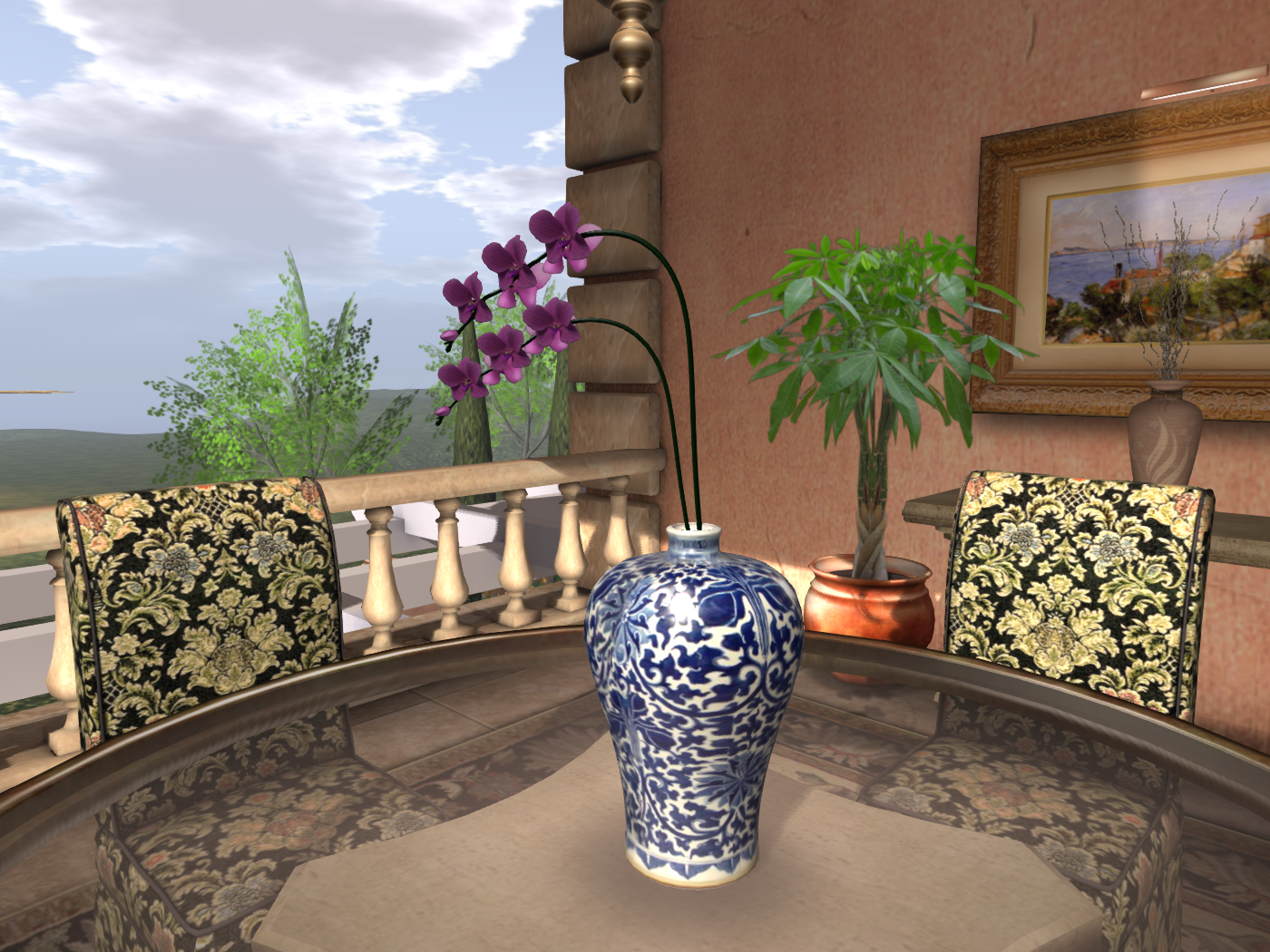
Brocade Slipper Chair and Travertine Set- 27 Prims

View the Travertine and Brocade set or Travertine and Linen set on the Marketplace!

ACCESSORIES SALE!

I usually put things on sale when I first release them, so those of you who are on my subscriber list always have a chance to get things on sale before they go to the regular price. 
But I have been pretty much out of prims on all sims for a while (I have to keep at least 1000 free for rezzing things etc.) and  I am working on  a new house, a larger version of the San Marino, laid out something like the Gran Villa, and I don’t have anywhere to put it. I need to make room for it fast!
As you may know, I have furniture in the model homes, as well as duplicates in the furniture departments, to make it easier to find what you are looking for. However, I need to move some houses onto the sim with Living Rooms, Bedrooms, Offices, and Accessories, and that means removing many things from that sim.  
Before I do, I have put the following *non-mesh* items on sale in the Accessories Dept: here:  


http://maps.secondlife.com/secondlife/La%20Galleria%20II/189/129/27

 All are mod, some copyable, some transfer. 
Paintings, Prints
Picture Frames
Wall and Mantle Clocks
Grandfather Clocks
Chandeliers
Lamps
Wall decor
Various Accessories and Small Furniture
Etageres
Vases, Bowls
Fireplaces
Centerpiece flowers
Ceiling fans
 LIKE LA GALLERIA ON FACEBOOK AND RECEIVE AN EXCLUSIVE GIFT 
If your messages get capped, you may not always get your weekly notice of new releases, promos, and gifts.  Therefore I would like to try making the notecard contents available on Facebook. 
For those who “Like” La Galleria, I will have a special gift which will be sent out in a few weeks after we compile a list.

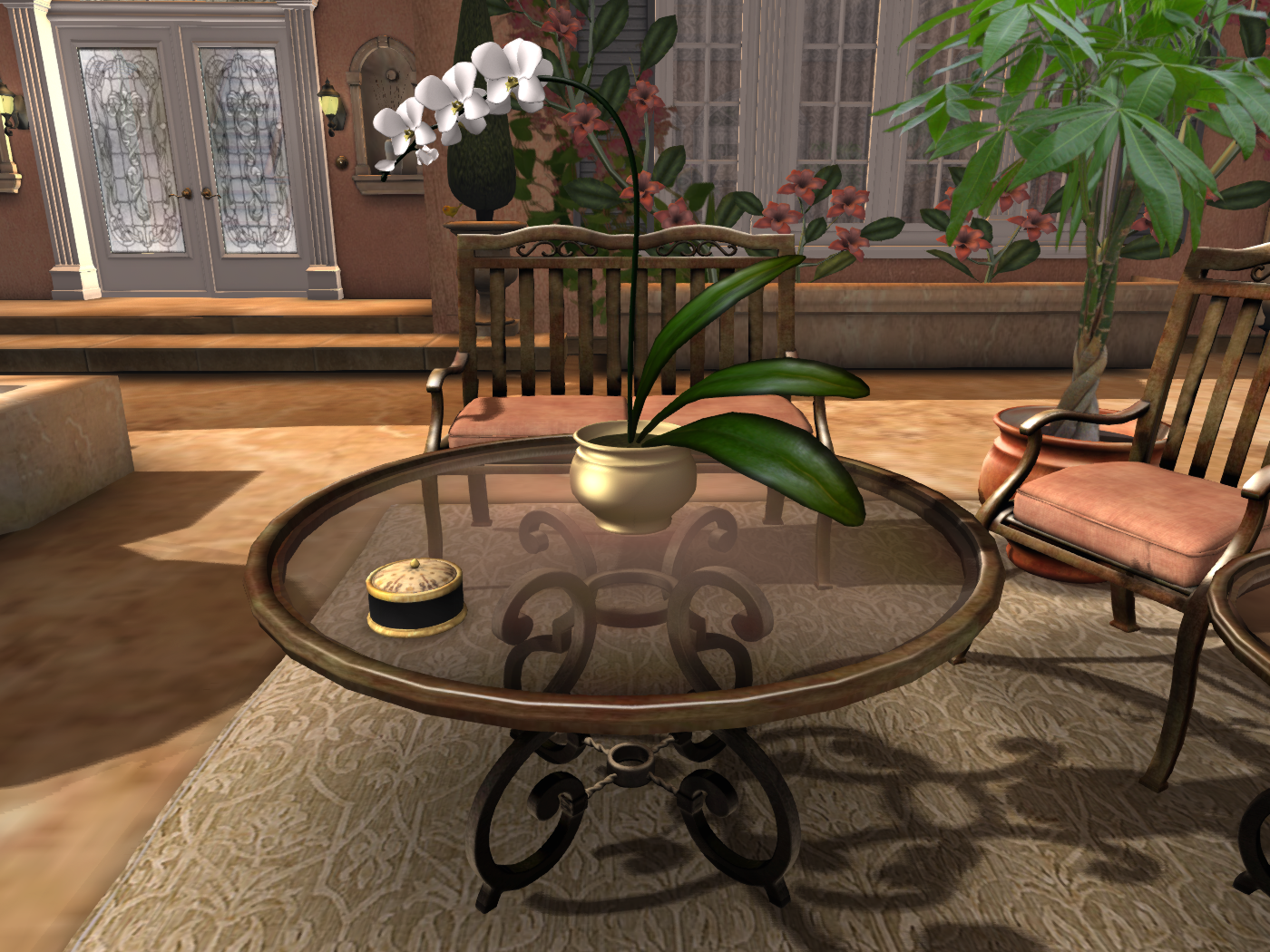
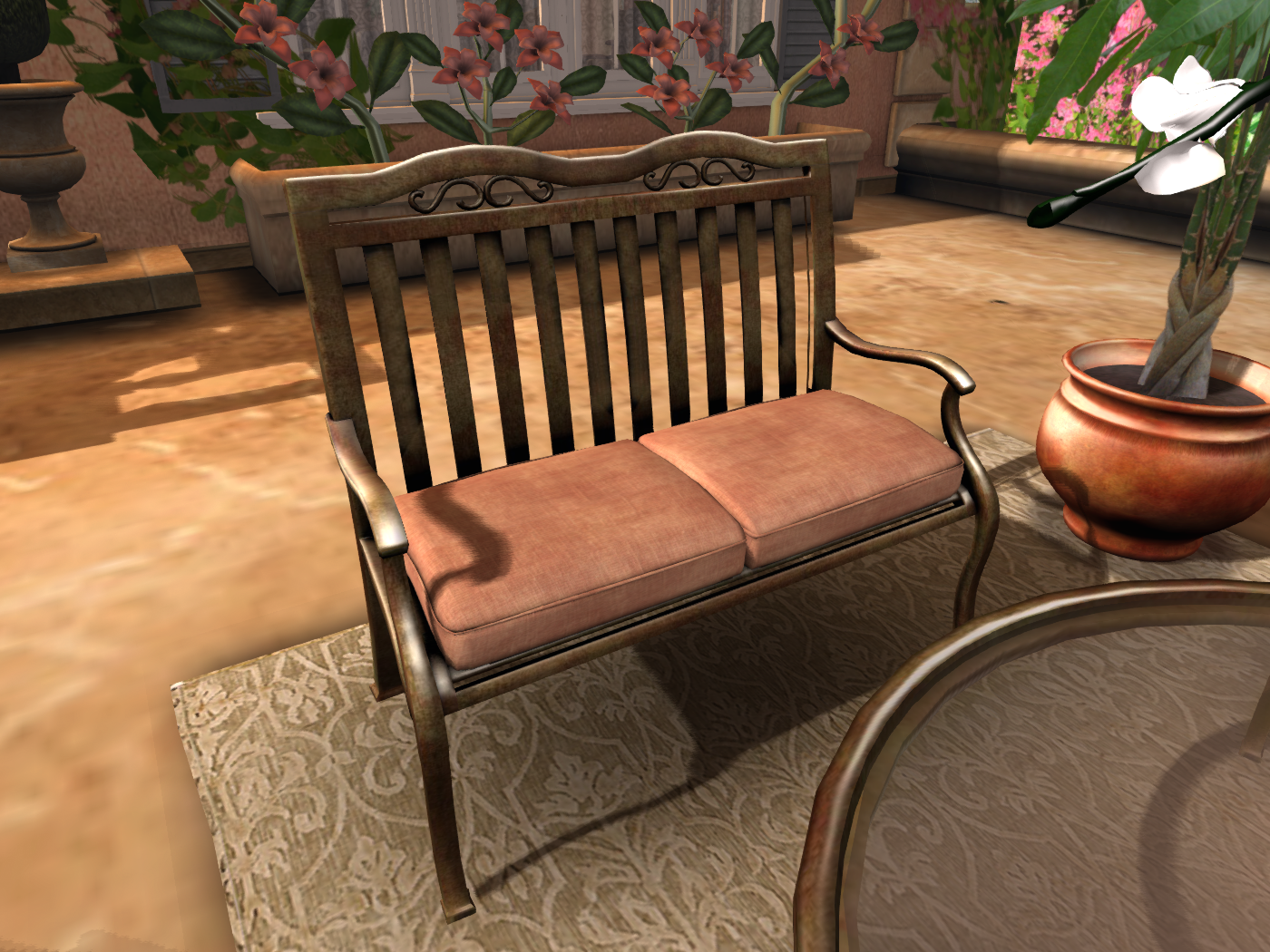
La Galleria EXCLUSIVE Bronze Patio and Outdoor Living Sets

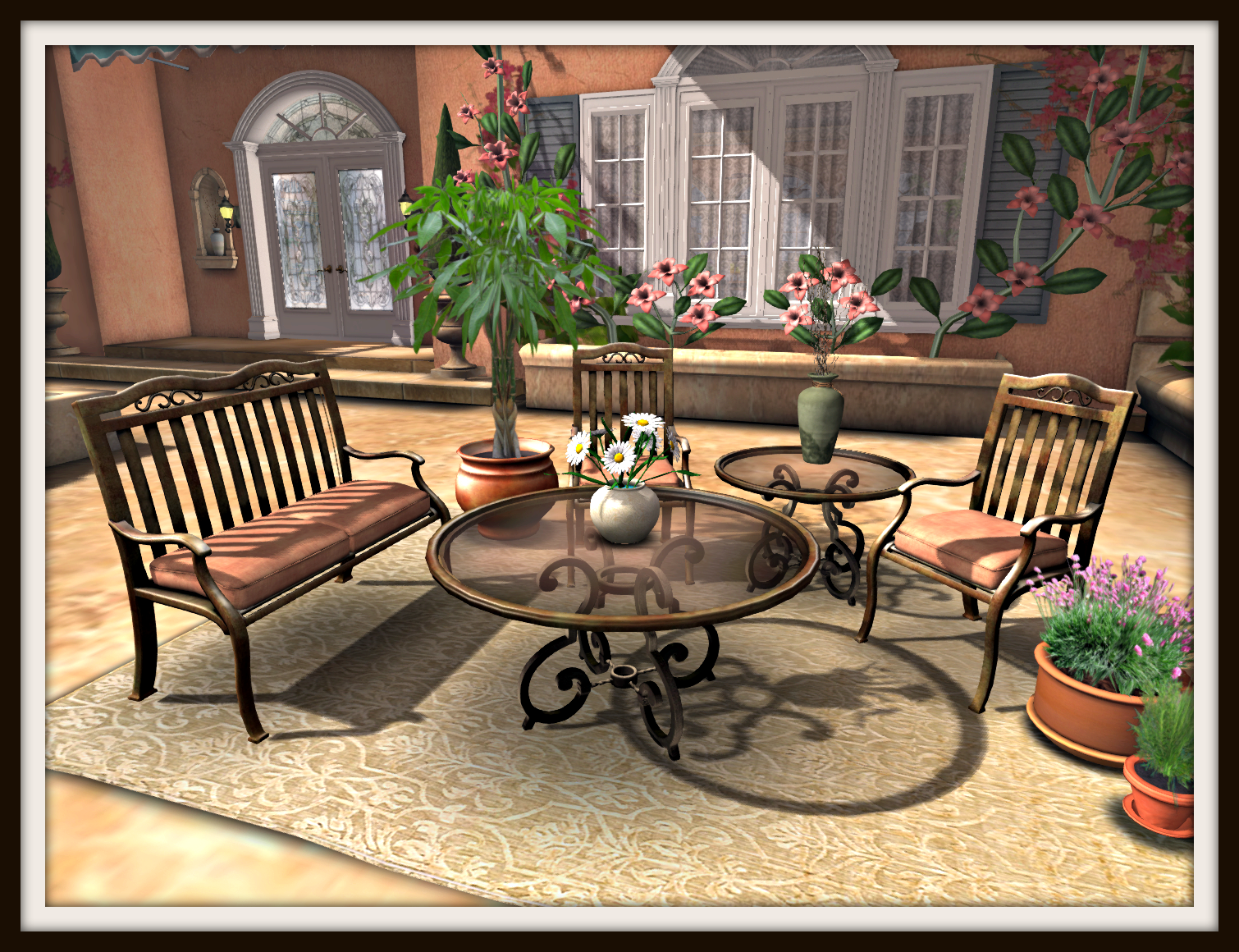
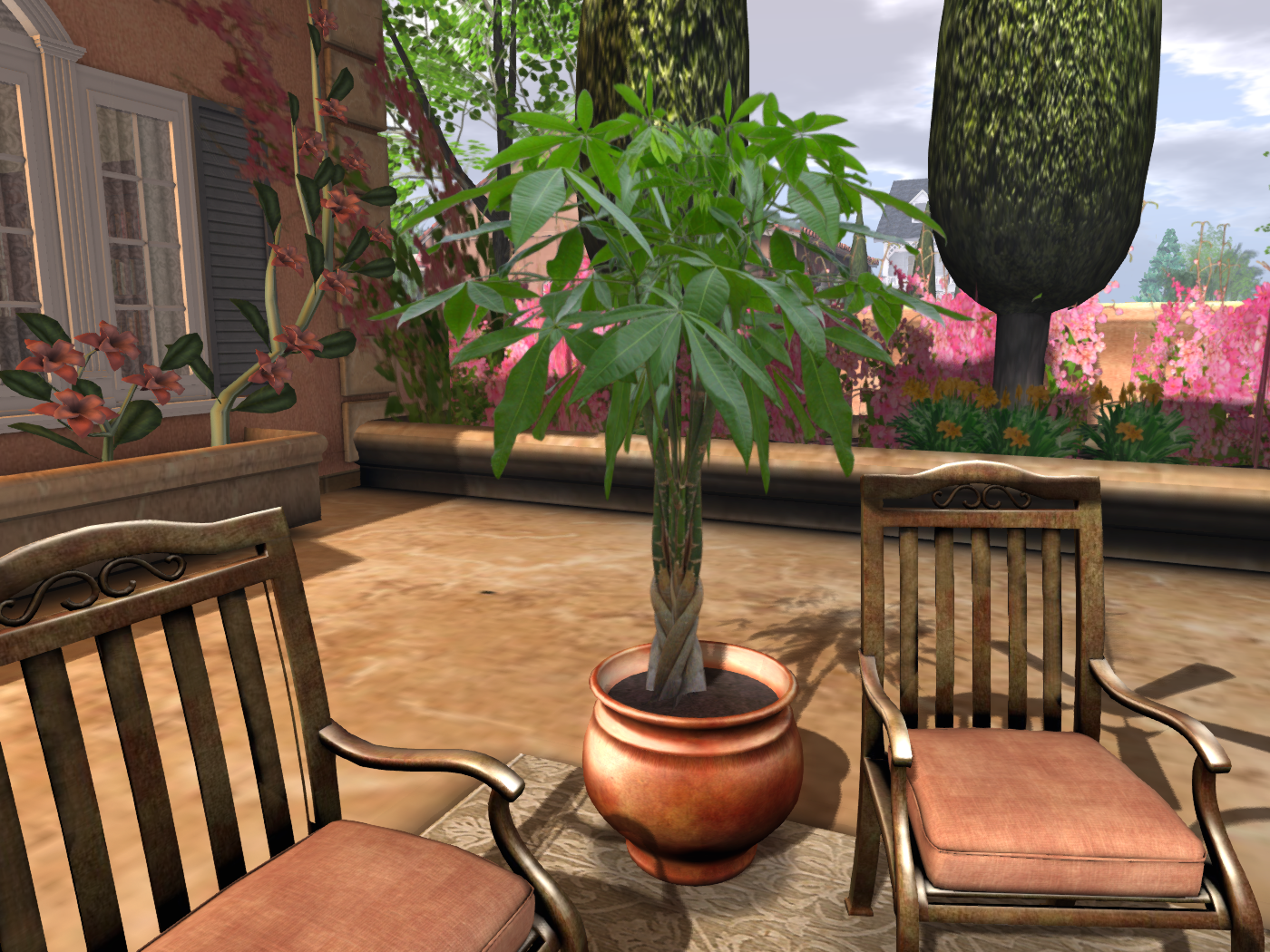
I love the idea of effortlessly increasing a home’s living and entertaining space by adding one of these new sets to your terrace or patio!  They would even work in a breakfast area or sunroom!

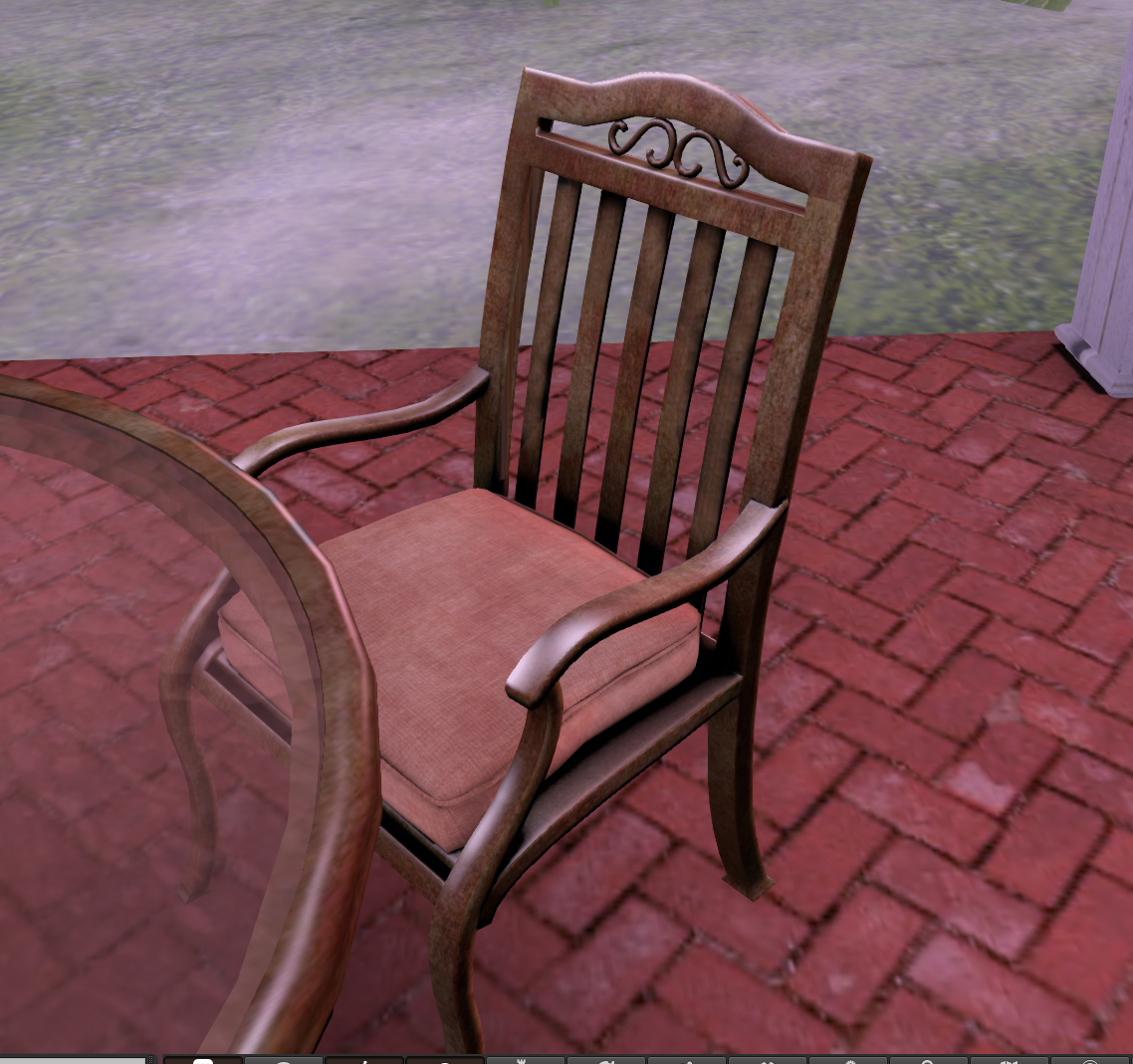
Bronze and Glass Outdoor Living Set- 29 Prims

This set is COPY, which gives you the option to arrange the set with as many chairs, tables, and benches as you like. 

Who doesn’t love wine and cheese?

Another choice for centerpiece

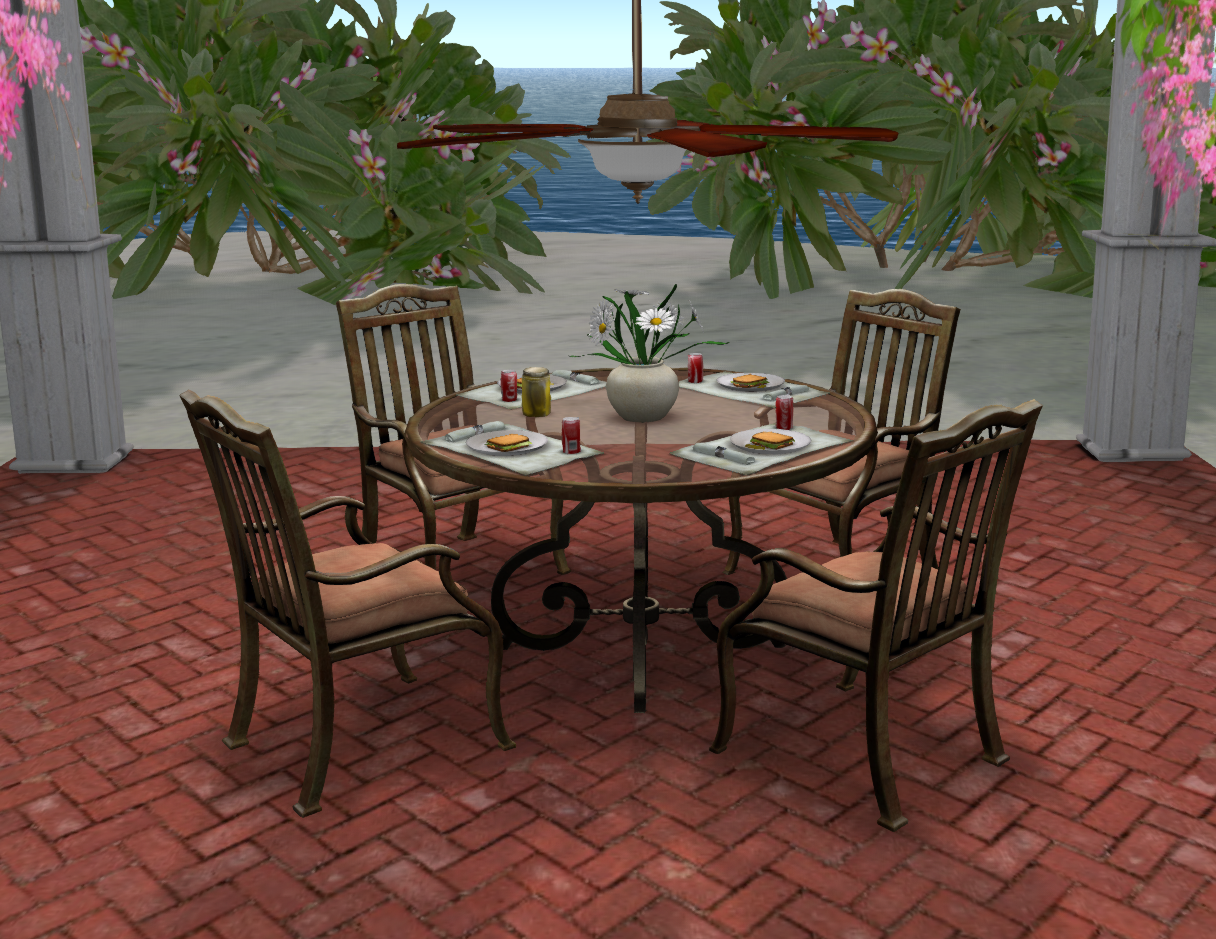
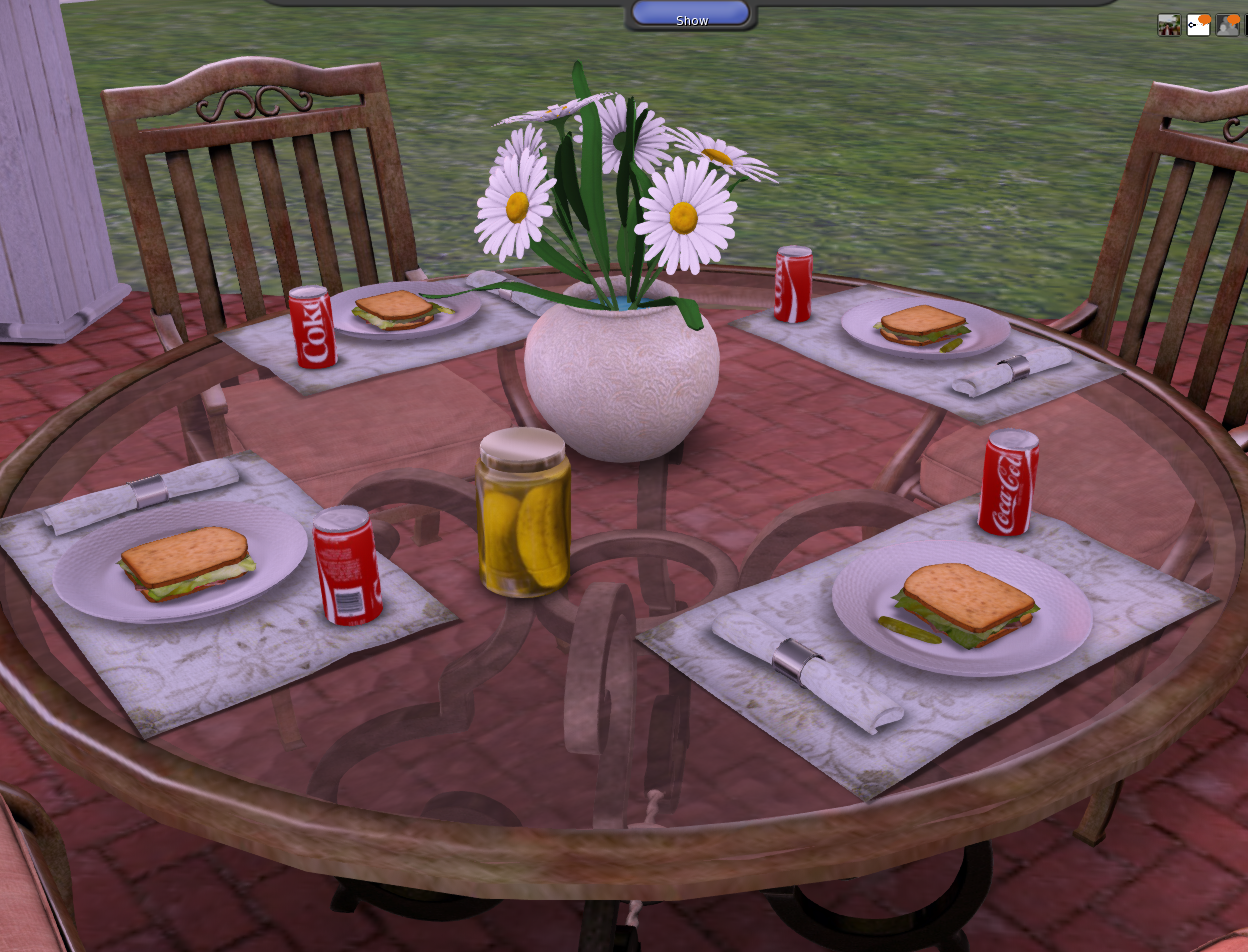
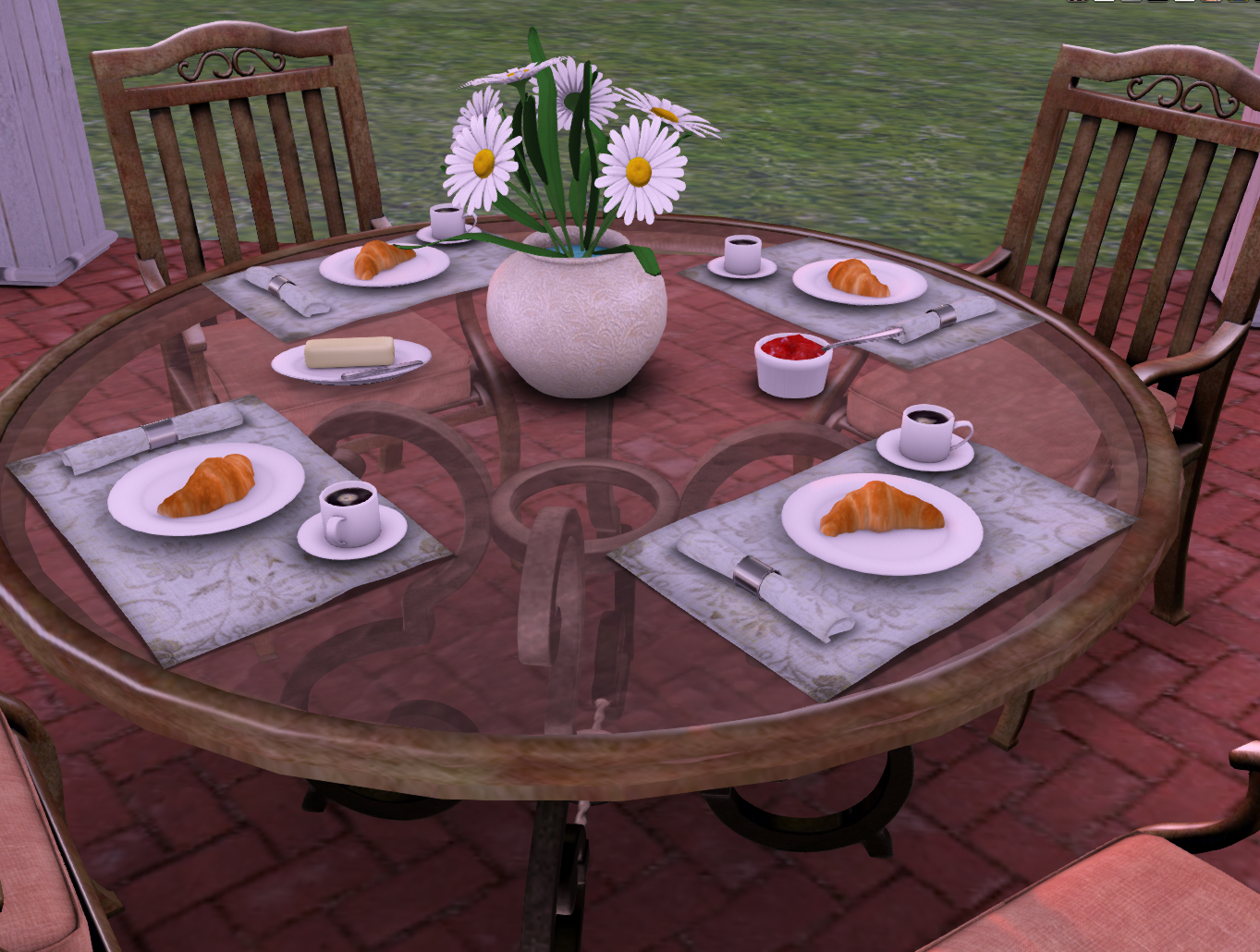
And for al fresco entertaining, the Bronze and Glass Mesh Patio Dining Set…

Bronze and Glass Patio Set- 16 Prims (not including food that rezzes)

Ham Sandwiches

Croissants

Wine and Cheese Plate

Love orchids!

 Other options for table settings include muffins for 2 or 4 or Waffles for 2 or 4.

Cut Mesh Prims by Changing Your Camera Angle!

Yes, simply changing your camera angle and distance can save you prims/Land Impact — and money, since you pay for those prims every time you pay tier or rent.

Let me start at the beginning. (And then I will tell you what prompted this post.)

When I first came to Second Life I noticed that everything was huge compared to my avi — rooms and stores were cavernous. Doors were twice as tall as I was.  Doorknobs came up to my shoulder. And I was 6 feet tall!

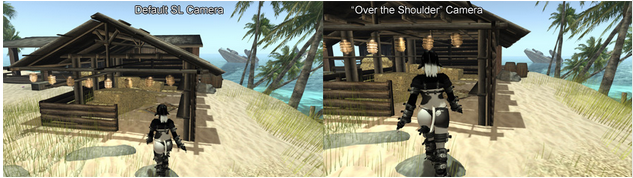
And after a bit I realized why this was — rooms and doorways built to scale would trap the camera behind them.  This is because —  unlike most other video games — the Second Life camera default is angled high and at quite a distance from the avi.  Hamlet Au published this image from Resident Evil on his blog here.

This is from Penny Patton, quoted on Inara Pey’s blog here.

Camera placement is important. In the videogame industry this is common wisdom. Game developers spent decades experimenting, improving and pretty much perfecting the art of camera placement in 3D videogames.

Unfortunately, the SL camera does not take advantage of any of that experience. As a result, the camera sits way over your avatar’s head, angled down. Not very immersive or engaging. More like you’re watching a character from afar rather than interacting with the world through them.

This has also affected how we build. It’s common knowledge that avatars are generally oversized, often close to 7 or 8′ tall, some pushing almost 9′. And yet, the environments we build and explore are larger still, often fully double scale compared to real life. 5m high ceilings instead of the more typical 2.59, 20x20m rooms instead of 10x10m or 5x5m rooms. We need to build so much larger to compensate for SL’s camera.

Above left, Penny shows the SL Default camera position; on the right, the “Over the Shoulder” position.  The SL default is like having a kite flying in the air behind you, and it keeps getting stuck in doors and walls. I keep my camera even closer to me, it just feels more immersive and natural.

So everyone built around the high trailing camera — rooms were built huge, so furniture was built huge, so avis were made huge (though they still usually looked too small for their surroundings).  And for most people this was no problem. Just make everything big so the camera would not get trapped.

However, we are now in the Age of Mesh, and prims/ Land Impact is dramatically affected by the size of objects.  You can cut a lot of prims / Land Impact just by shrinking your furnishings or house a bit. Or better yet, when you buy these things, buy them to scale to begin with.  And when things are smaller and take fewer prims, that means you can do with less land, and less land means less tier.

The fix is easy — just adjust your default camera angle and distance so it is closer to you and not so high up. Instantly, your camera is not bumping into things anymore. Plus it just feels so much more natural, more like Real Life.

The future of Second Life is for things to be created to scale. Making everything huge to accomodate a dysfunctional camera angle just doesn’t make sense when it costs so much in Land Impact.

Here are some instructions for adjusting your camera angle to a more natural position — you can play with the numbers a bit to suit your preferences, but this is a good starting point:

Follow the instuctions below:
1. Go into the Advanced menu at the top of your window (if it does not show, do Control > Alt (or Option) D ).
2. Open Debug Settings at the bottom. Type in: CameraOffsetRearView
3. Then enter these numbers:
X: -2.000
Y: -0.400 (Make positive for a left shoulder view or keep 0.000 for a centred view.)
Z: -0.200

Instructions with pictures can be found on Ciaran Laval’s blog here.

Also, Penny Patton has a free HUD you can wear to adjust your camera angle:  https://marketplace.secondlife.com/p/Camera-Control-HUD/164404?page=1

What prompted this post?

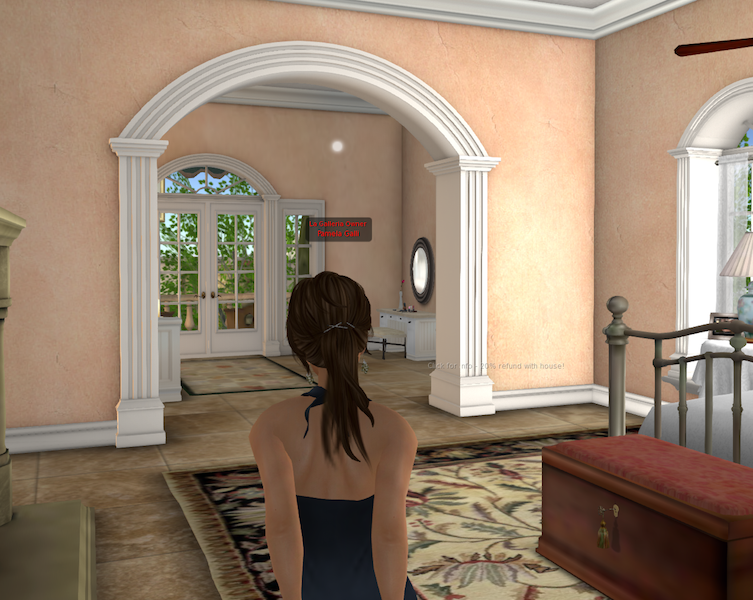
My brand new house, the San Marino (you can see pics in a previous post), has one review now.  The reviewer gave it two stars — she said it was beautiful — but the bedrooms were “too small”.  (Never mind that it can be seen inworld, never mind that it can be stretched larger, never mind that adjusting camera angle would solve the problem, never mind that I include camera angle instructions with the house!)

This is me standing in one of the “too small” bedrooms, with my camera close behind me:

Read a discussion about this post here:  http://community.secondlife.com/t5/General-Discussion-Forum/Cut-Mesh-Prims-by-Changing-Your-Camera-Angle/td-p/2054145

Bombe Chest and Sconces!

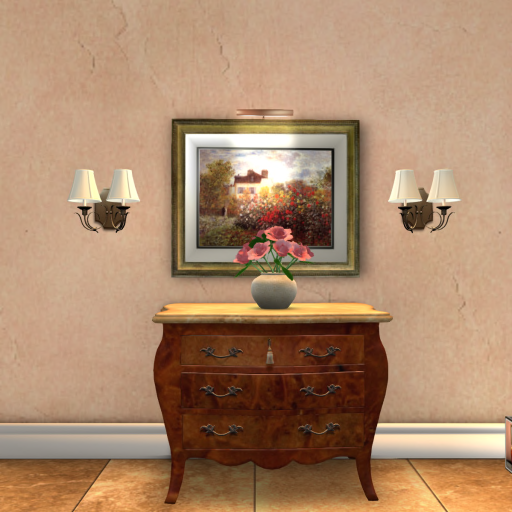
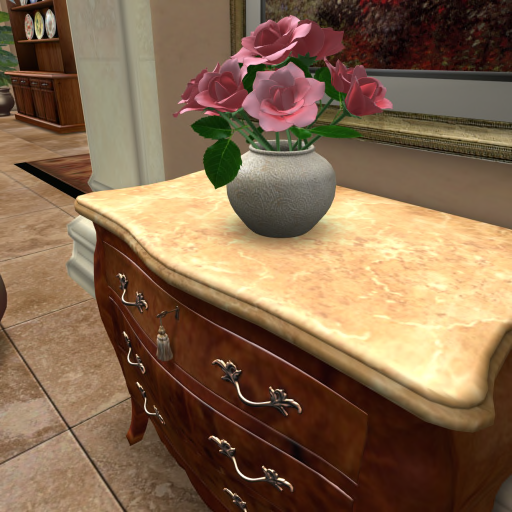
We have a few new items to announce!  They go together so well that I thought I would introduce them at the same time.  The Burl Bombe Chest is perfect for an entryway or office.  I love the detailed burl texturing and marble top. Also, you will notice the antique key with a tassel on the top drawer.  How pretty!

Bombe Burl Chest with Monet Landscape
Always classic, a vase of roses.

The Burl Bombe Chest set includes the chest, vase of roses, brass planter with Shefflera, and Monet Landscape painting.  All together the set is 13 prims.

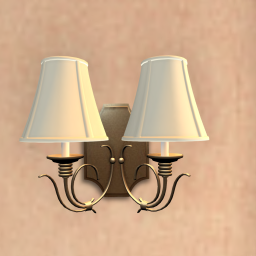
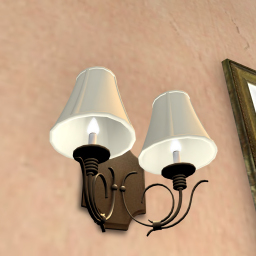
Now on to these mesh sconces.  Light fixtures are one of the best ways to easily spruce up any room.  These are pictured with the Bombe Chest, but they would look beautiful anywhere.
Sconce

SAN MARINO HOUSE

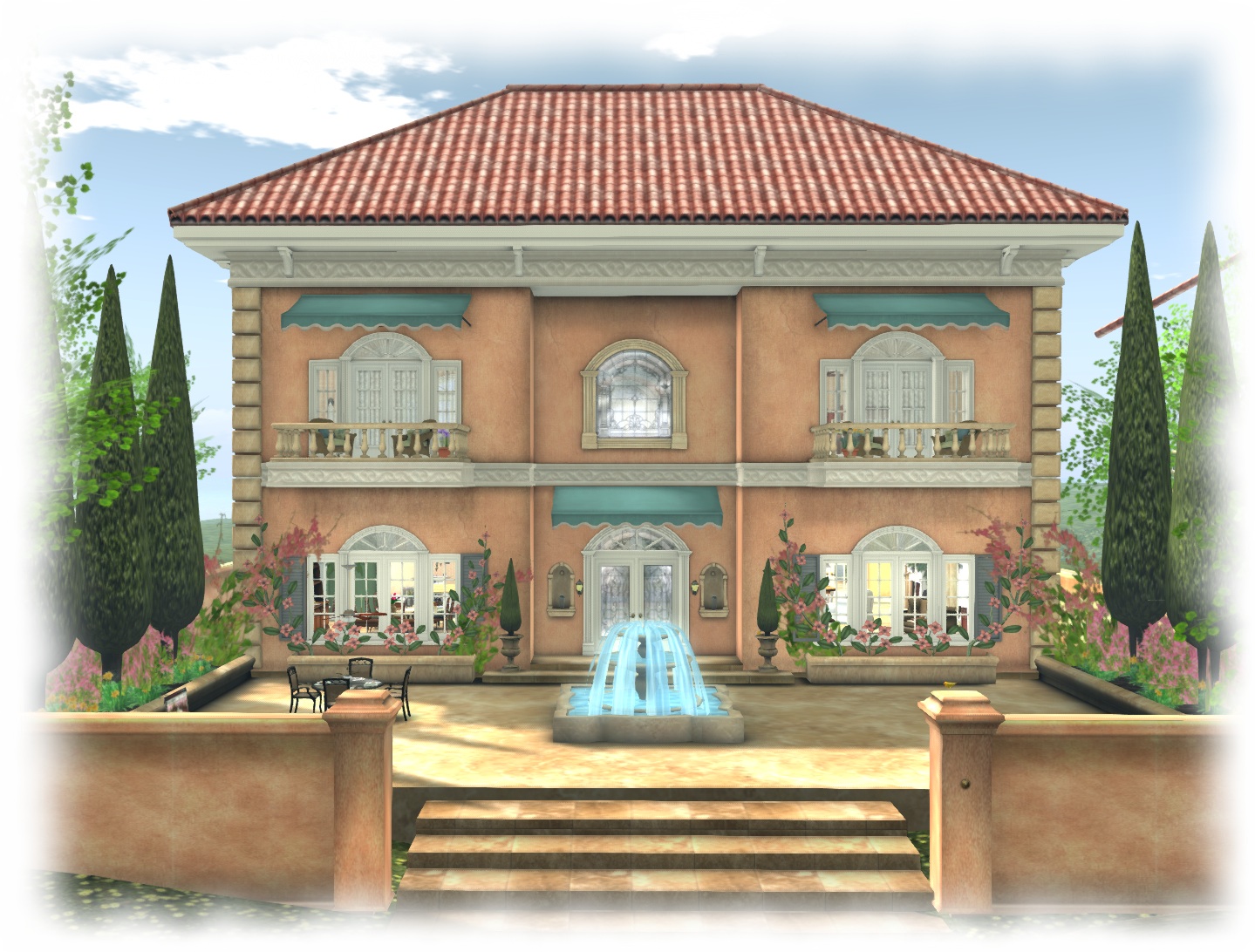
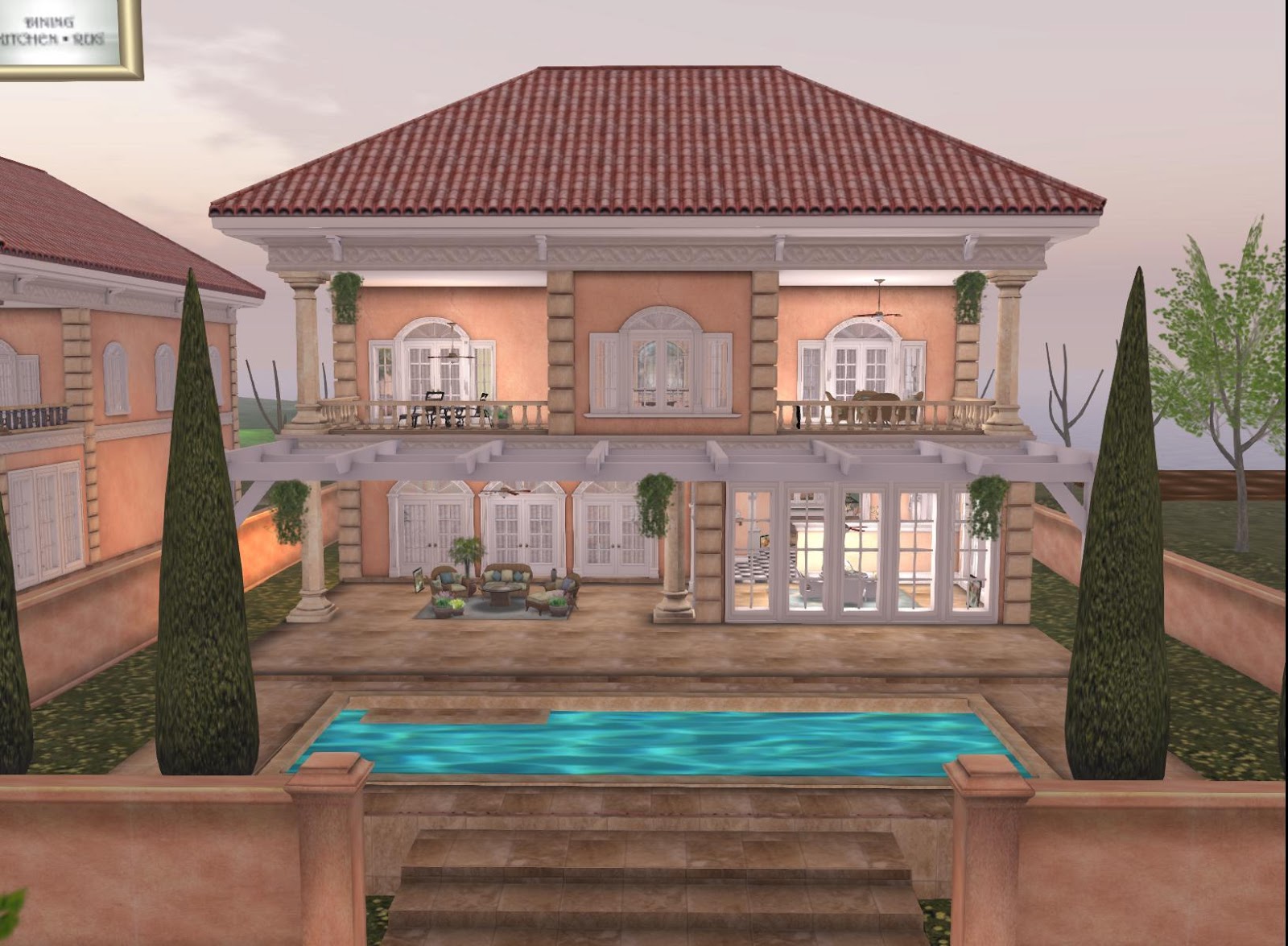
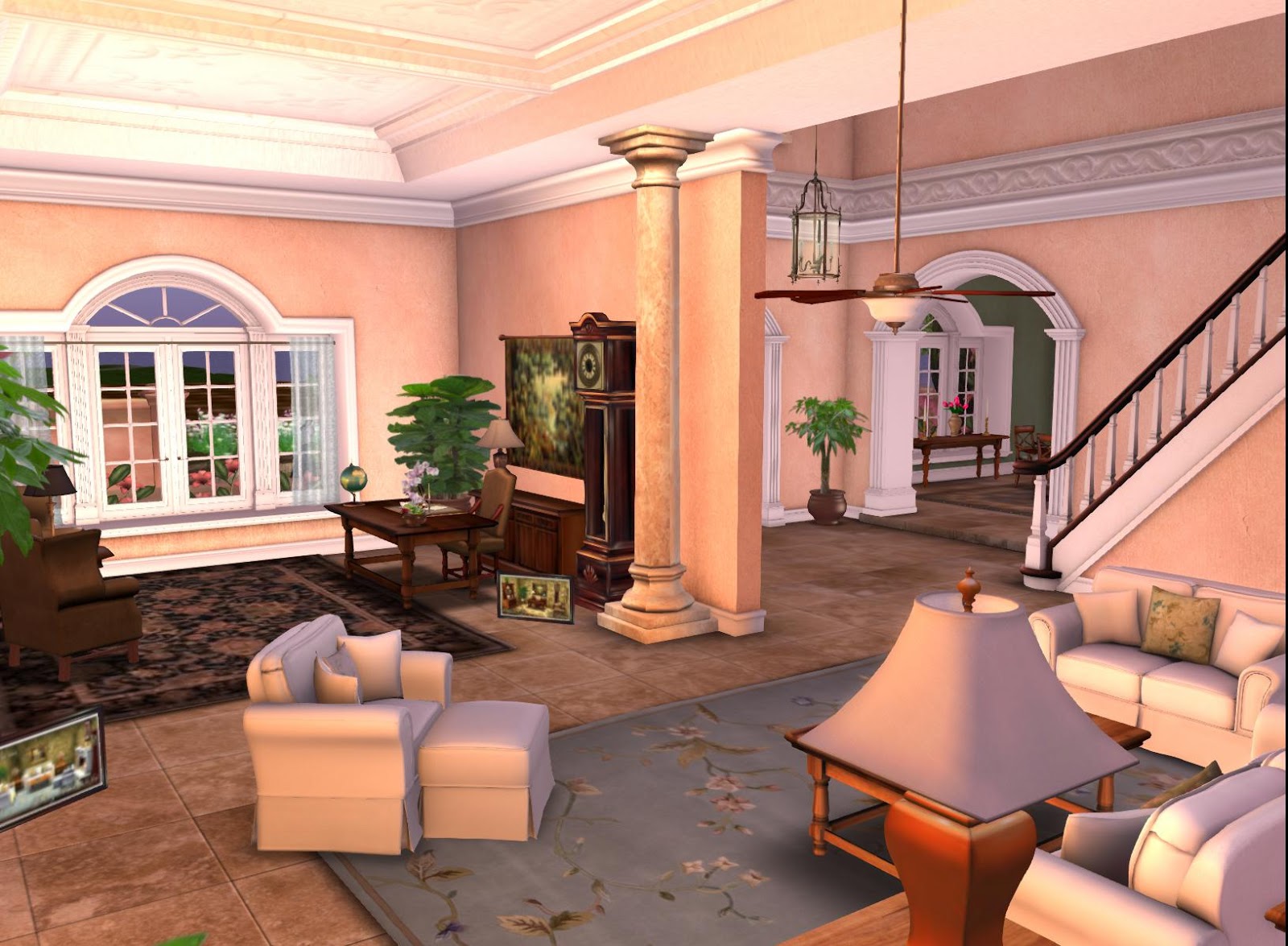
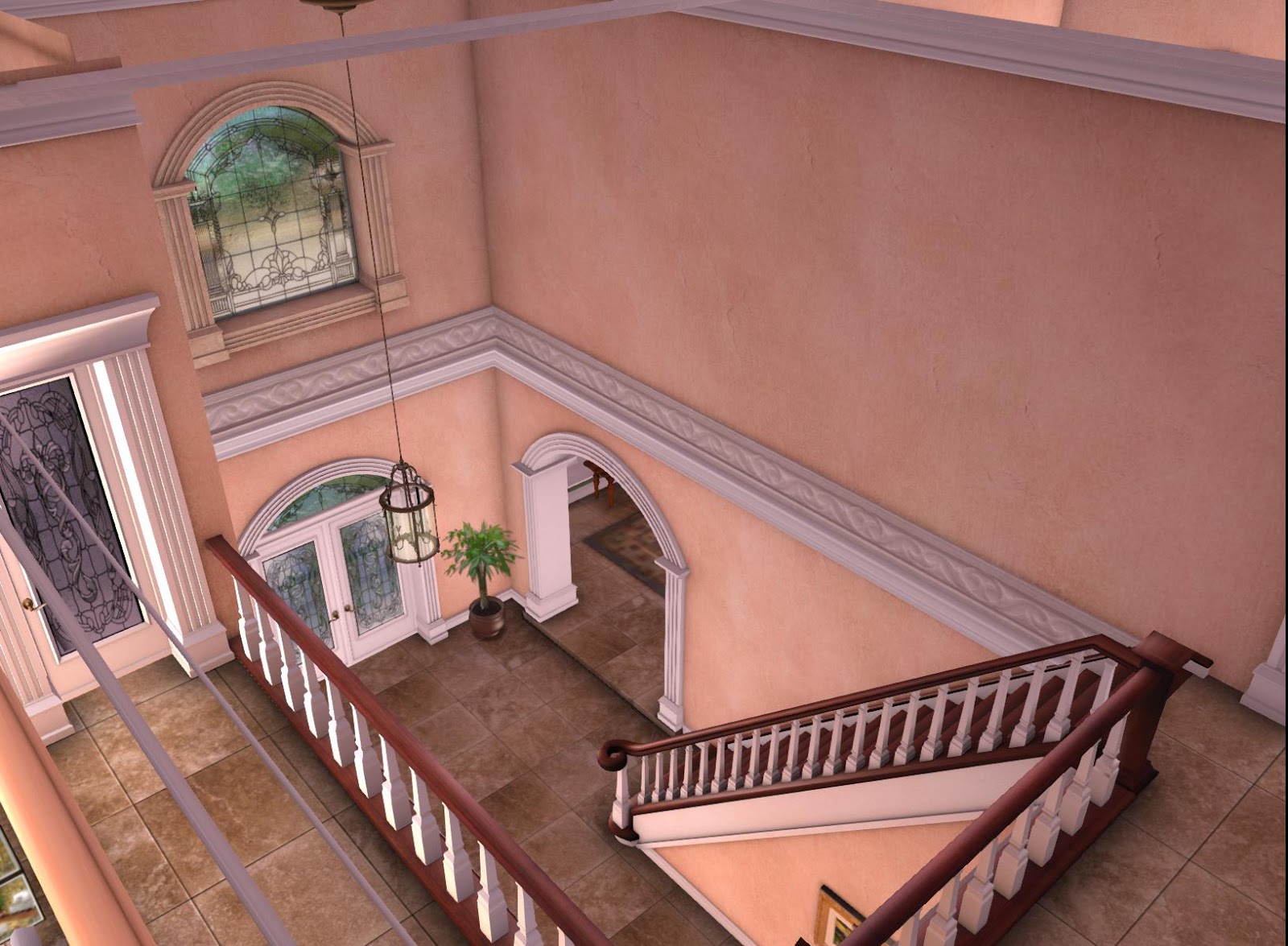
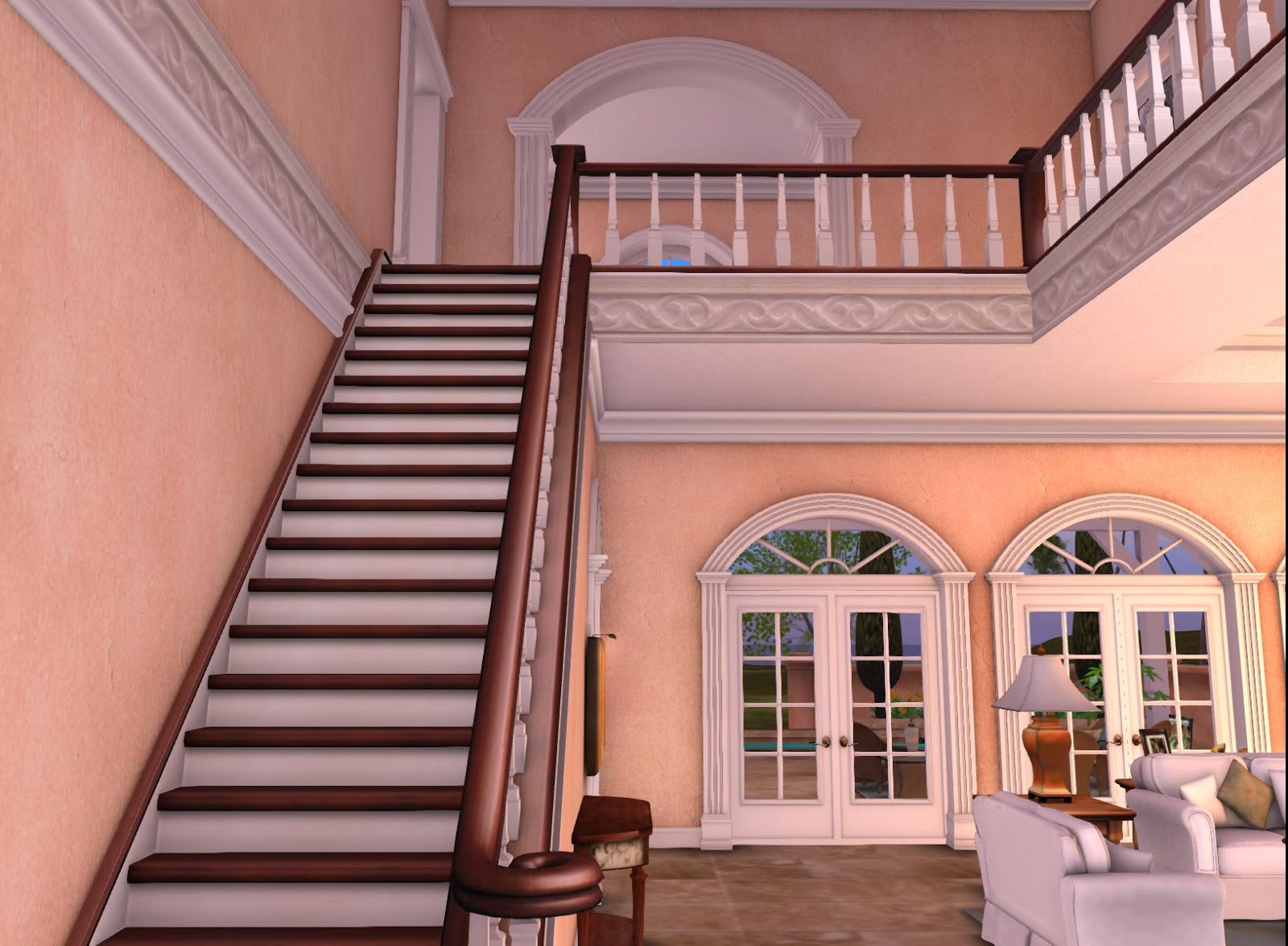
The newest addition to the La Galleria collection of mesh homes is here! The San Marino iepitomizes La Galleria’s style and attention to detail. This Old World style home stands apart with its sunbaked textures and earthy color palatte. From the Saltillo tile roof to the honed travertine tile flooring, the exclusive crown molding and baseboards, wood trim, and light fixtures,  no detail was spared attention.

Many extras included, but no furniture.

Below is a slideshow and pictures.

 3 bedrooms, 1 bath, room for a kitchen, conservatory/breakfast room/study, dining room, living room.

 Large and small courtyards rez from menu (touch front doorframe)
Back of house

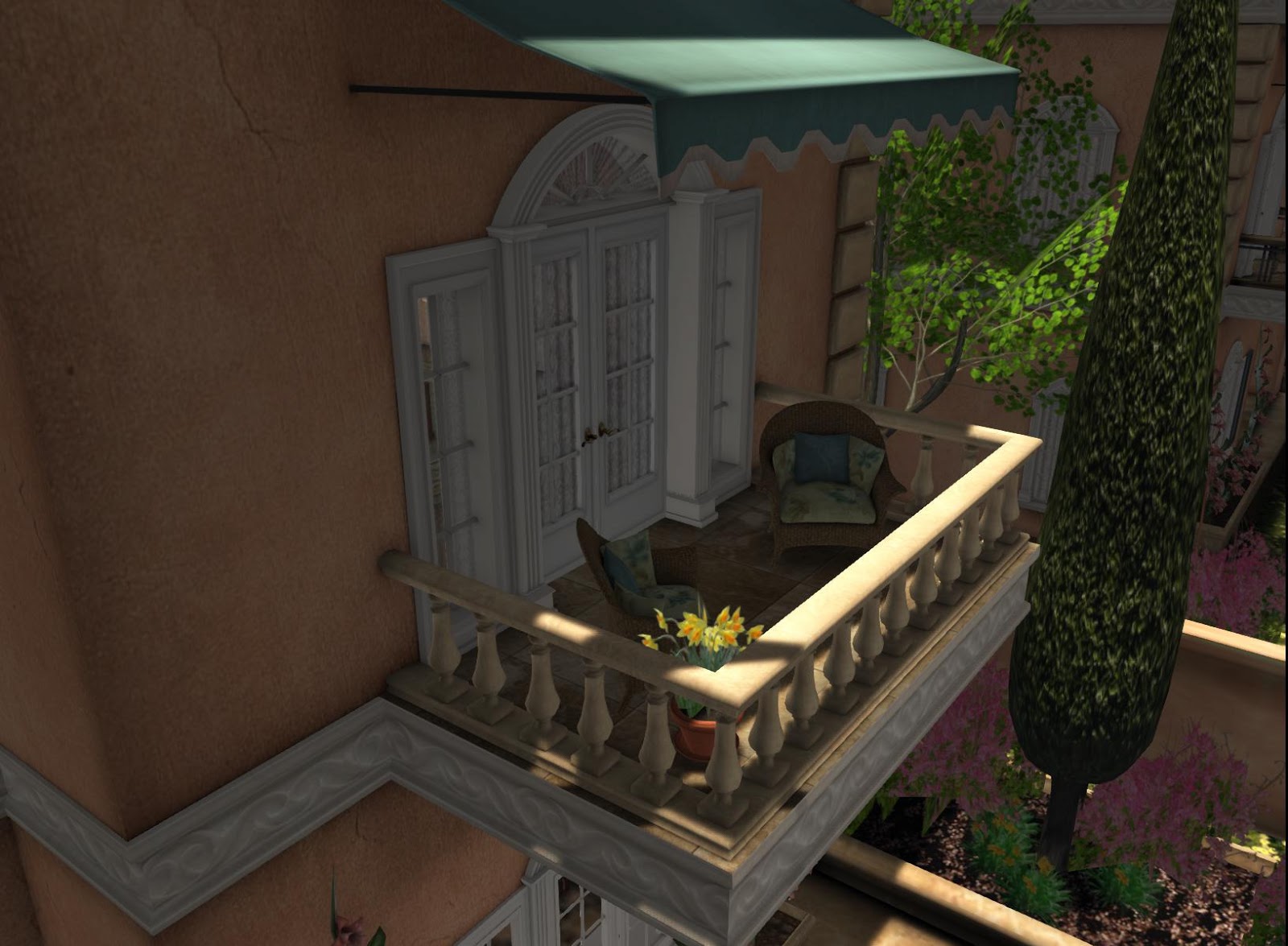
The San Marino includes two versions — one with marble balconies, and one with lower prim wrought iron balconies.  In addition, you can modify to one of two versions to better fit your avi. Prim count ranges from 330-397 depending on your version and size.

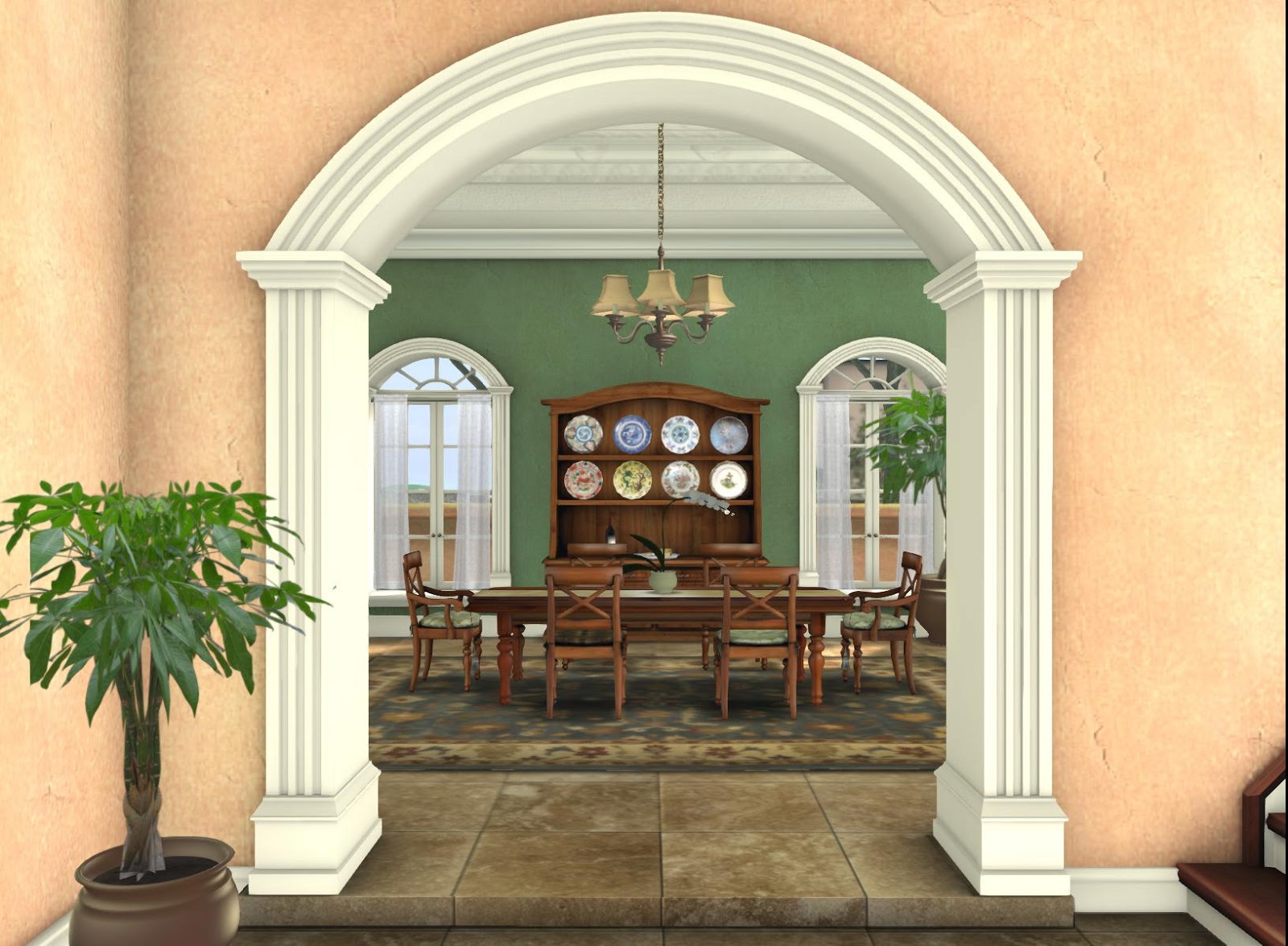
Detailed arches

Dining

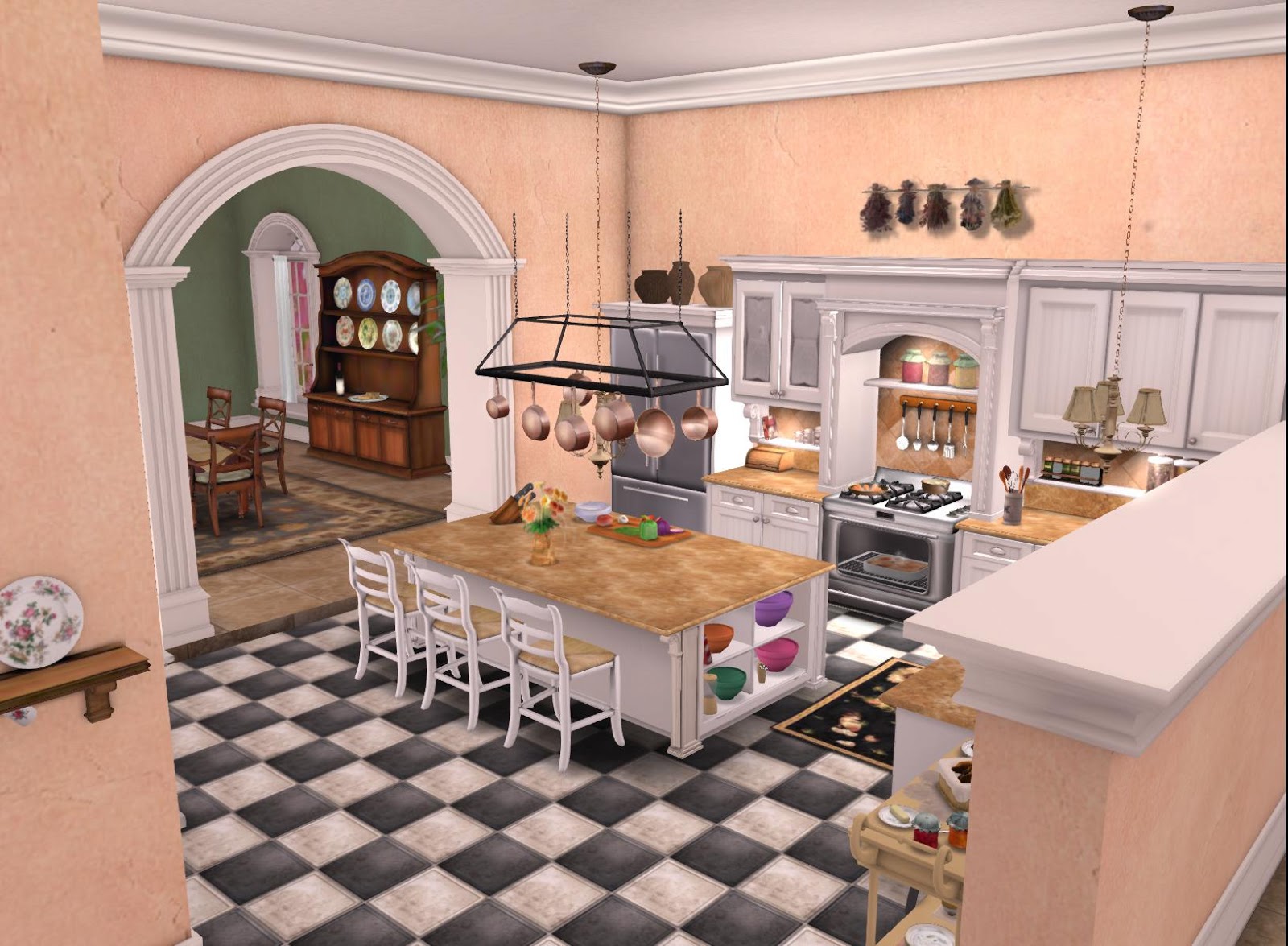
Kitchen

 20% discount on kitchen, bar, and/or bath purchased w/ house (or before or after house).
Living

S
Living/Study

So pretty!

Sitting Room

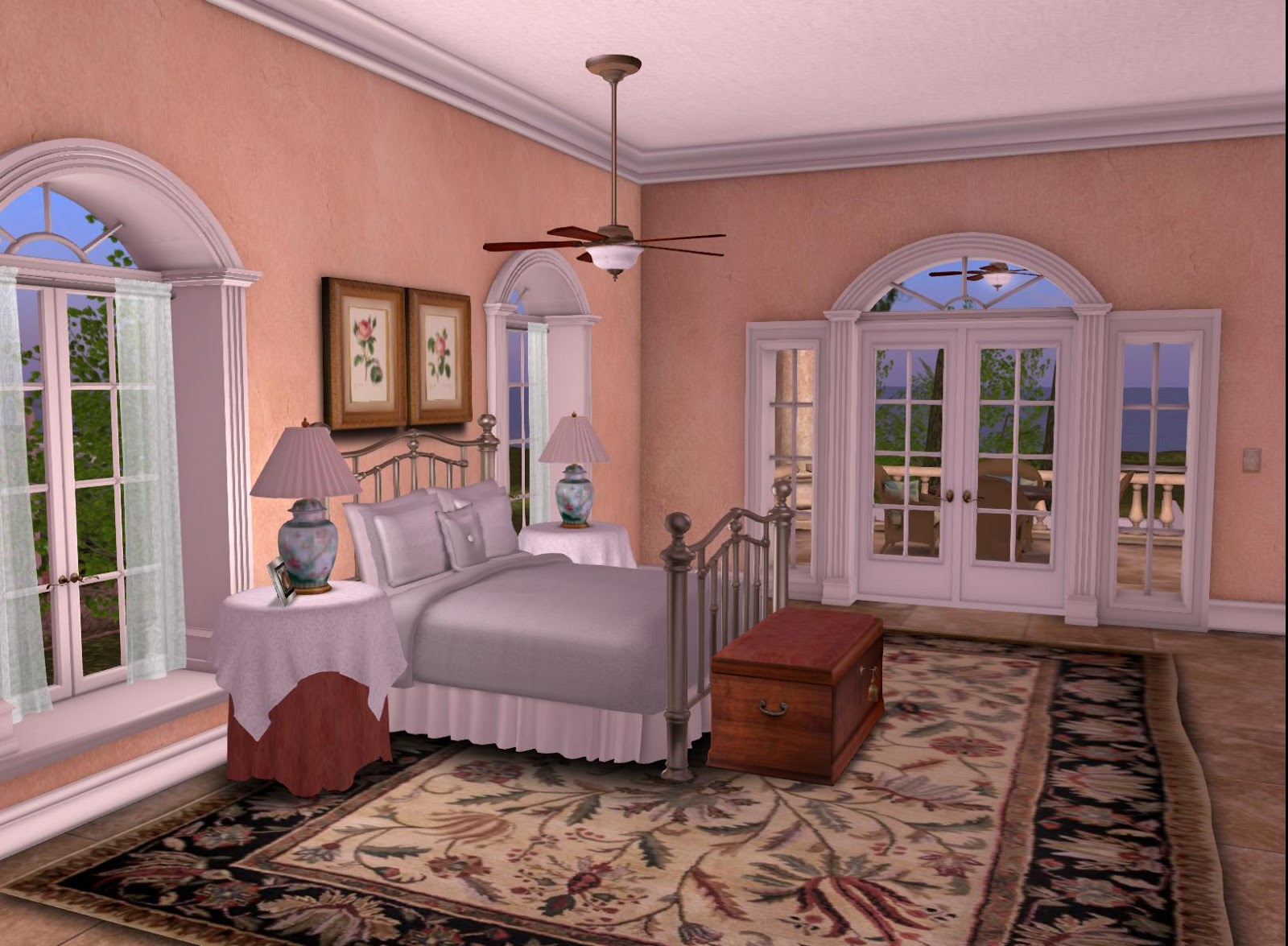
Master Bedroom

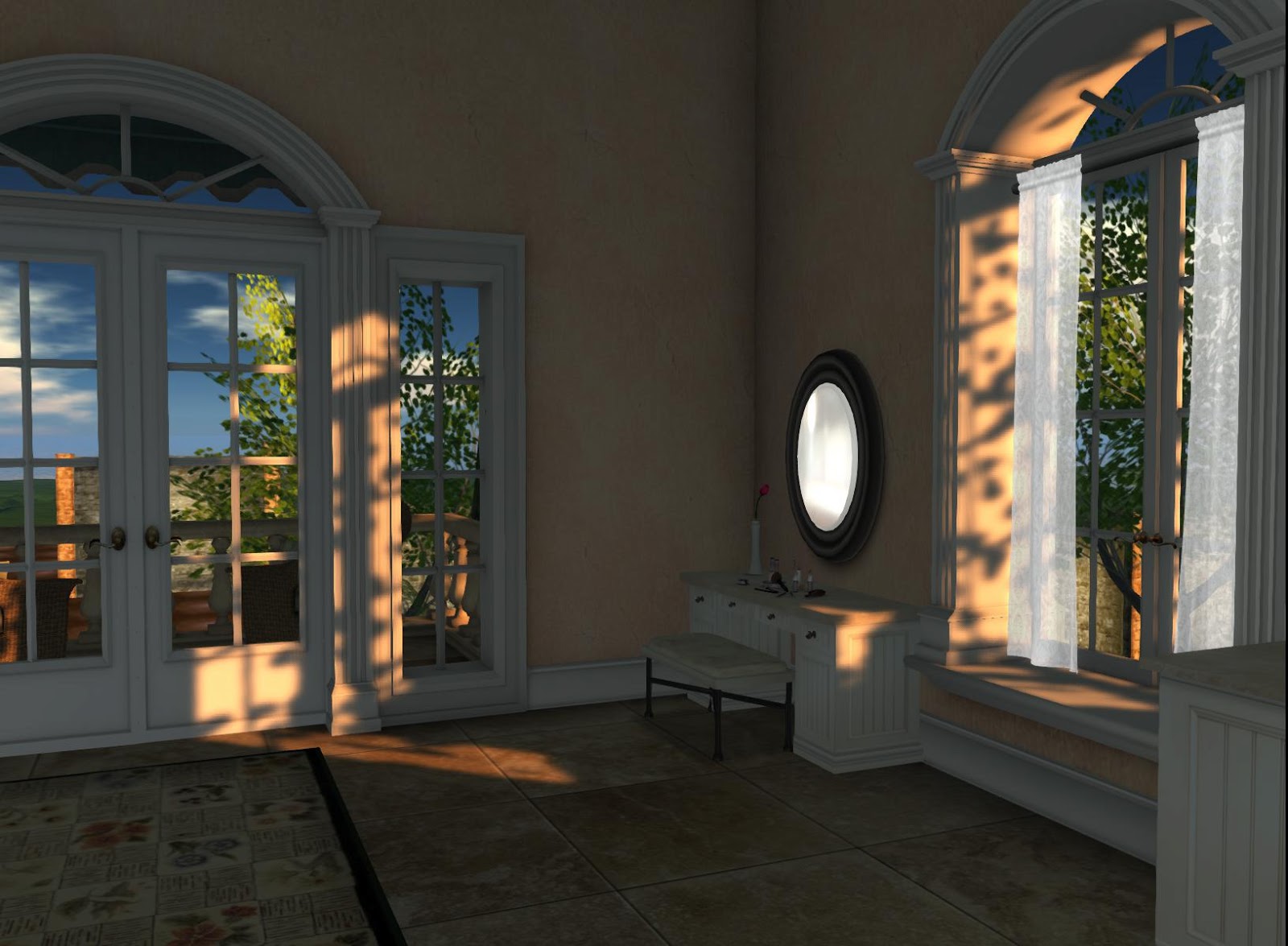
  Menu driven Privacy curtains viewable from outside

Bath

 20% discount on kitchen, bar, and/or bath purchased w/ house (or before or after house).

Read more about the San Marino on the Marketplace here.

Al Fresco Living and Dining

Just in time for Summer, La Galleria is pleased to introduce the newest additions to the mesh wicker collection!

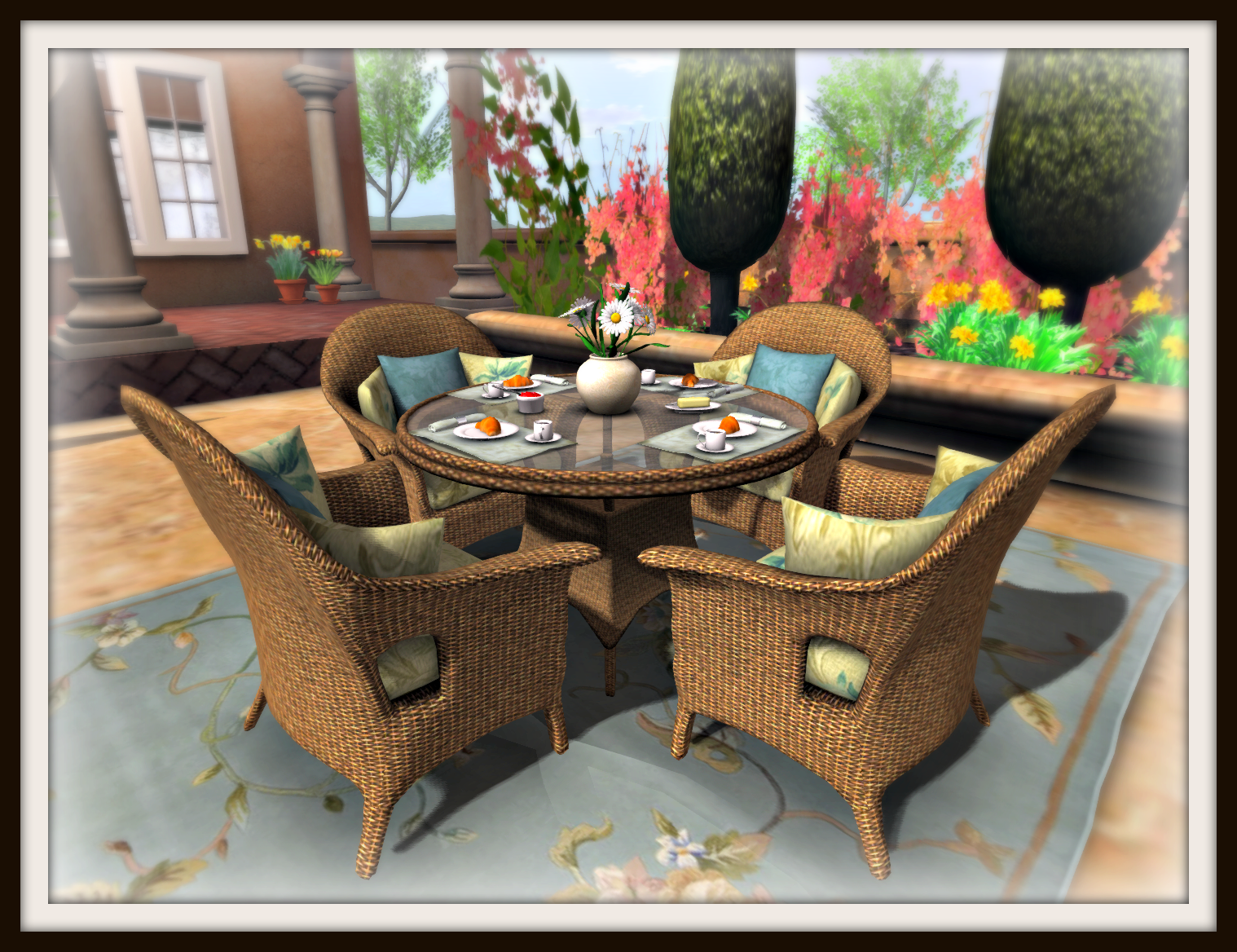
Tan Wicker Floral and Glass Hostess Set

This Tan Wicker Set makes hosting a casual brunch or lunch effortless!  This set has options for place seating for two or 4, and choice of muffins, waffles, croissant or sandwiches.  Or, of you have decided to move to the living area (see below), clear the table and set with a pretty vase of flowers. All this for 17 Prims!

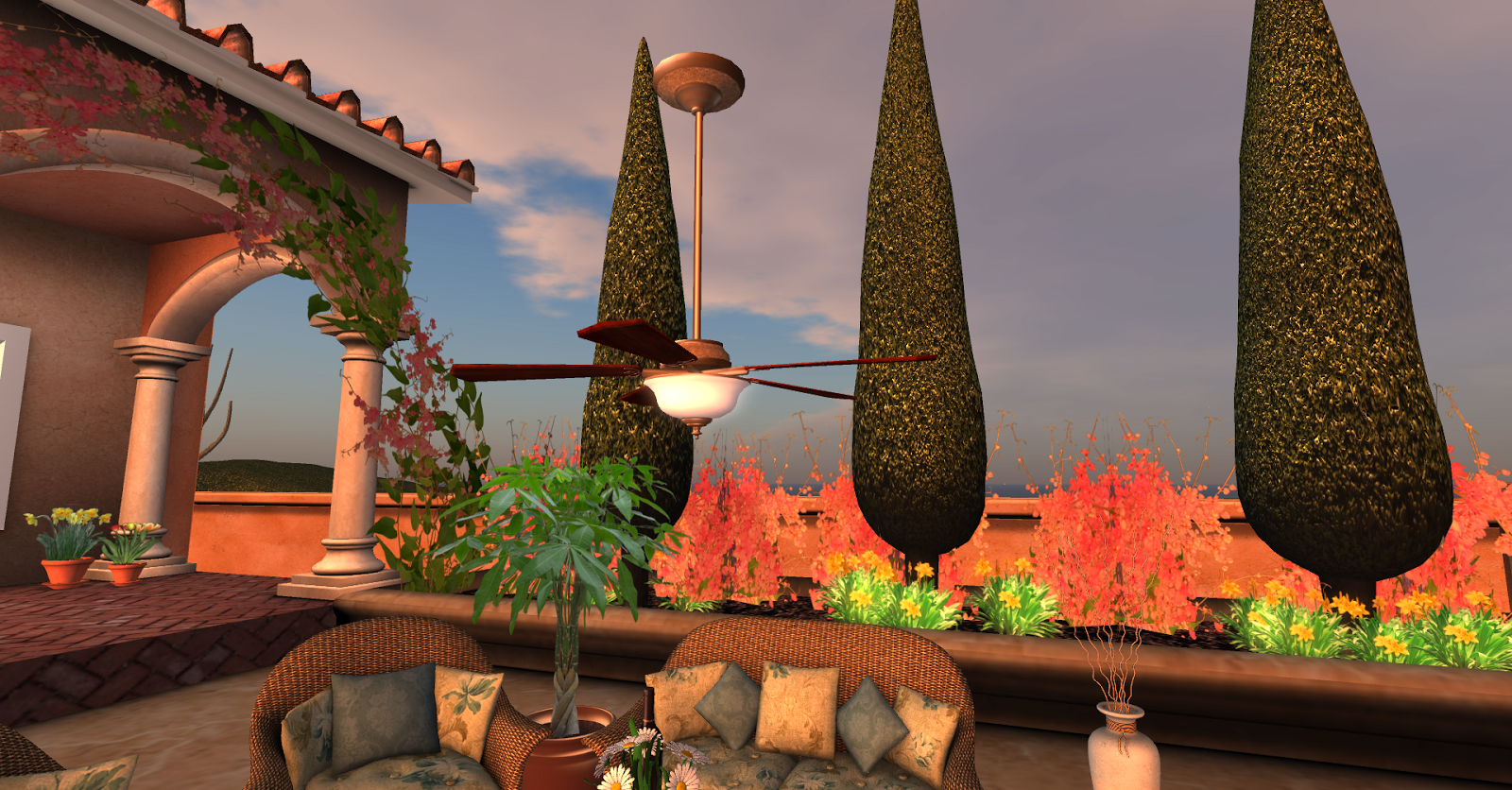
Tan Wicker and Floral Outdoor Living Set

This set comes with everything pictured, for only 34 prims!

Ceiling fan with on/off feature and light.

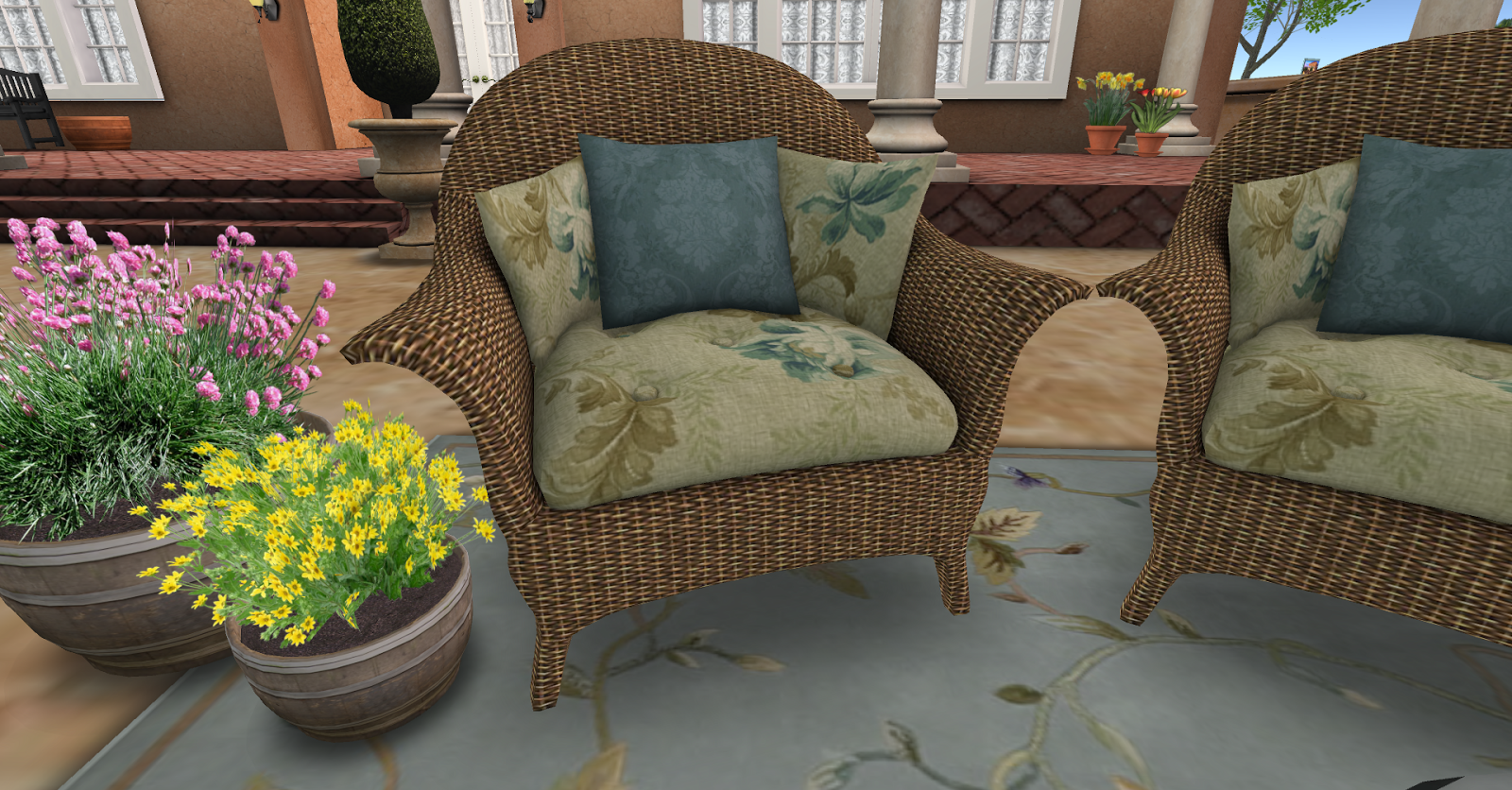
Tan Wicker Armchairs

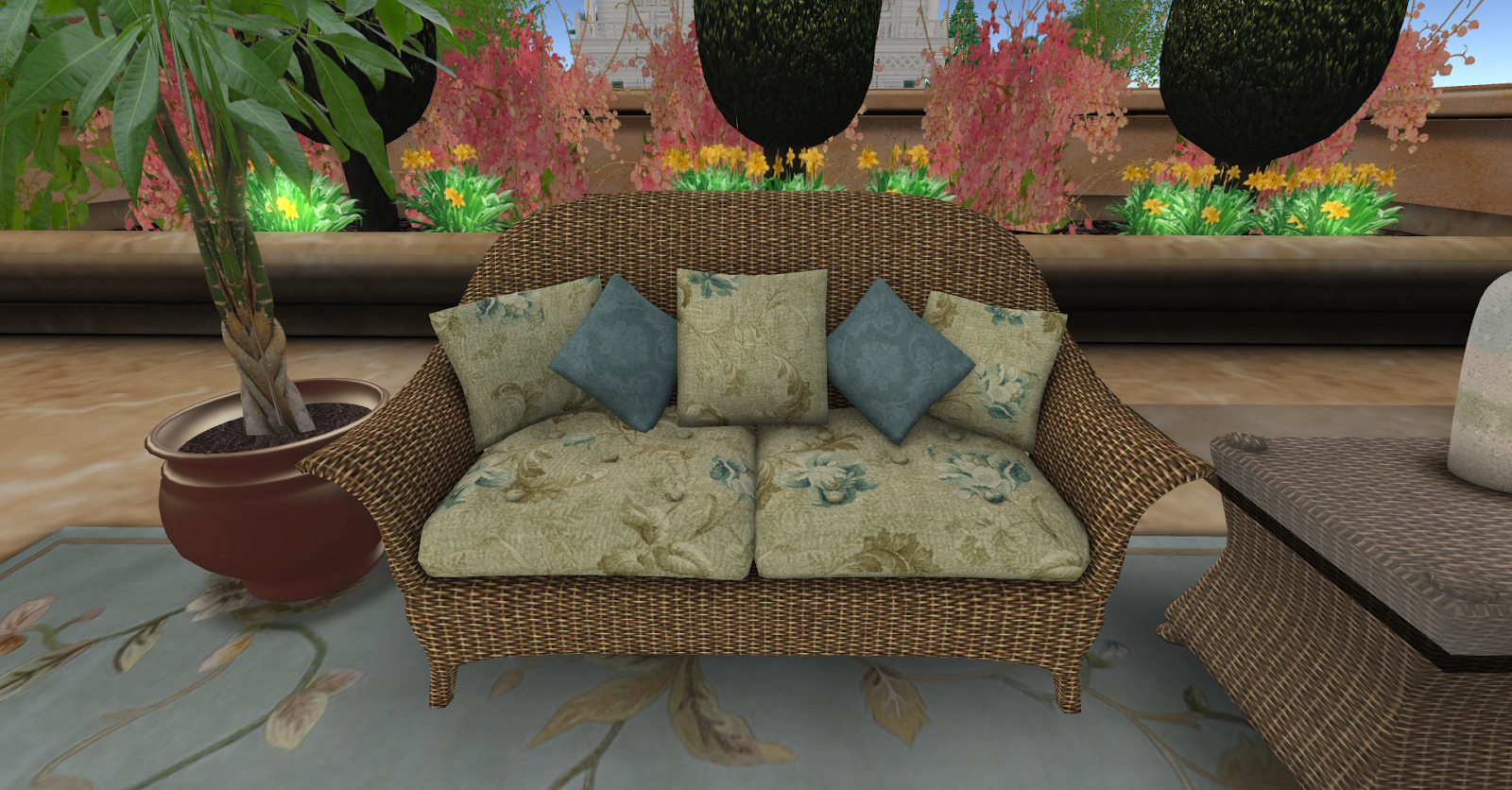
Tan Wicker Loveseat
Tan Wicker Chaise
Daisy Centerpiece
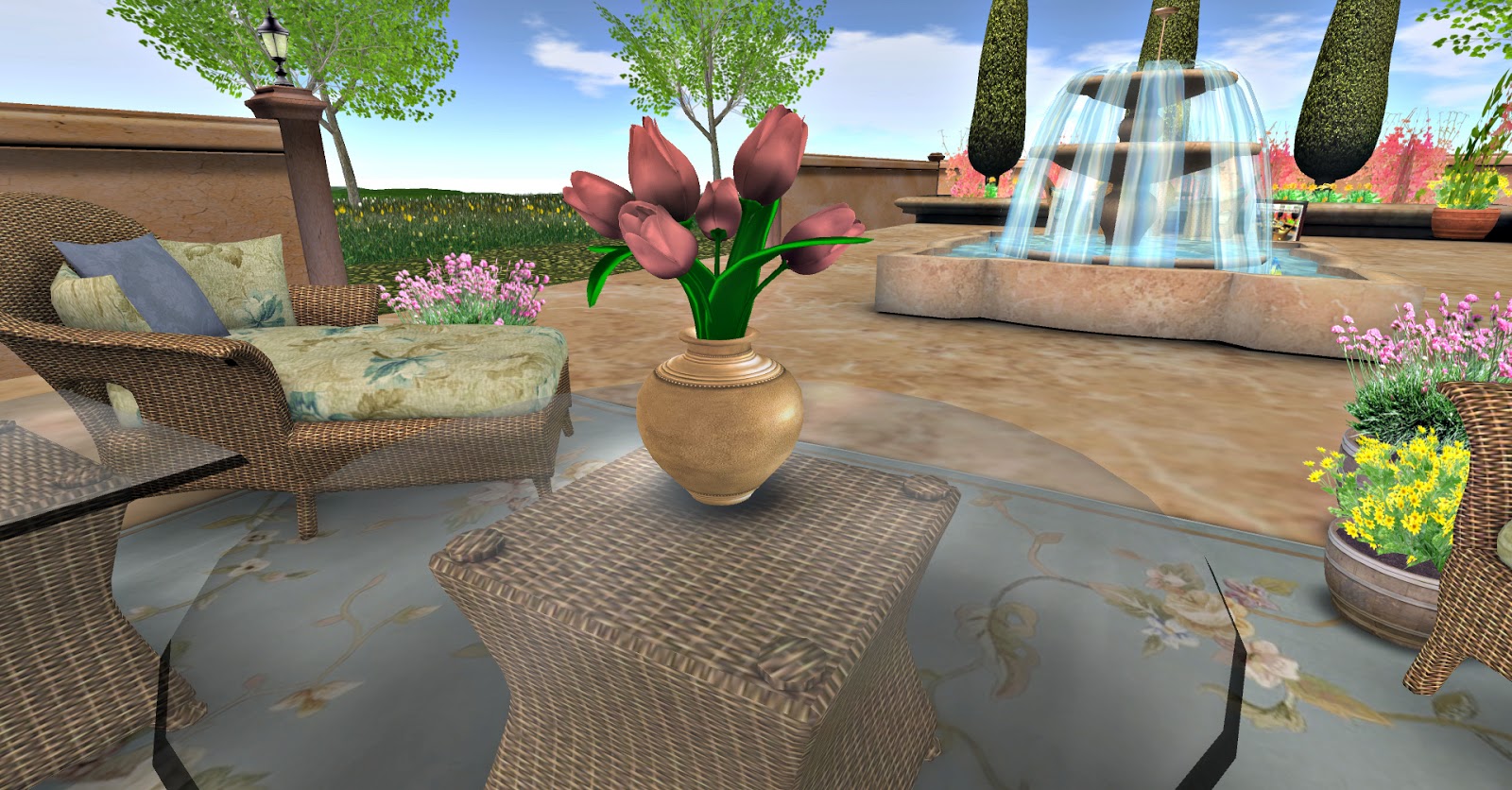
Tulip Centerpiece
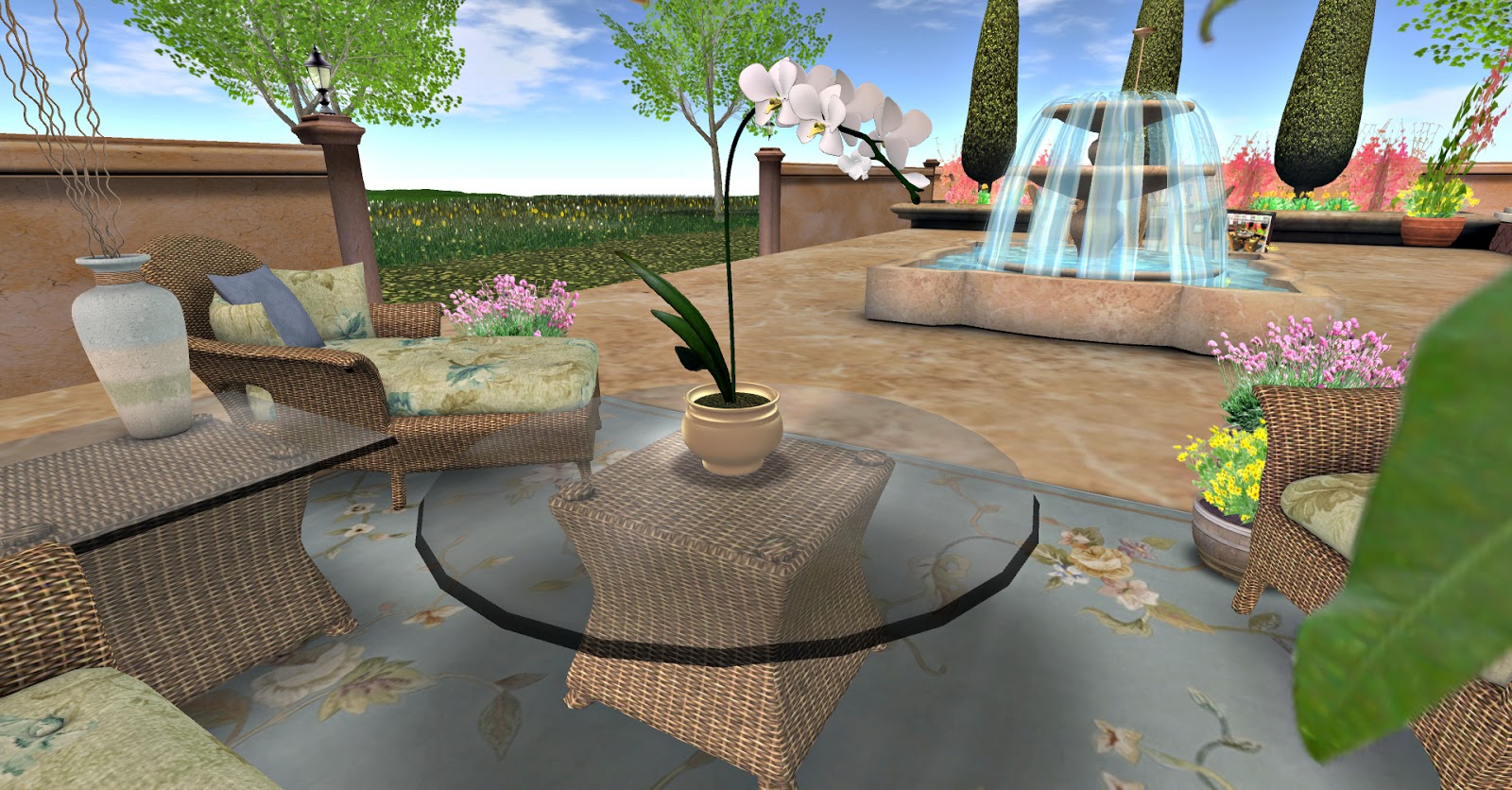
Orchid Centerpiece

Be sure and check out the entire wicker collection here.

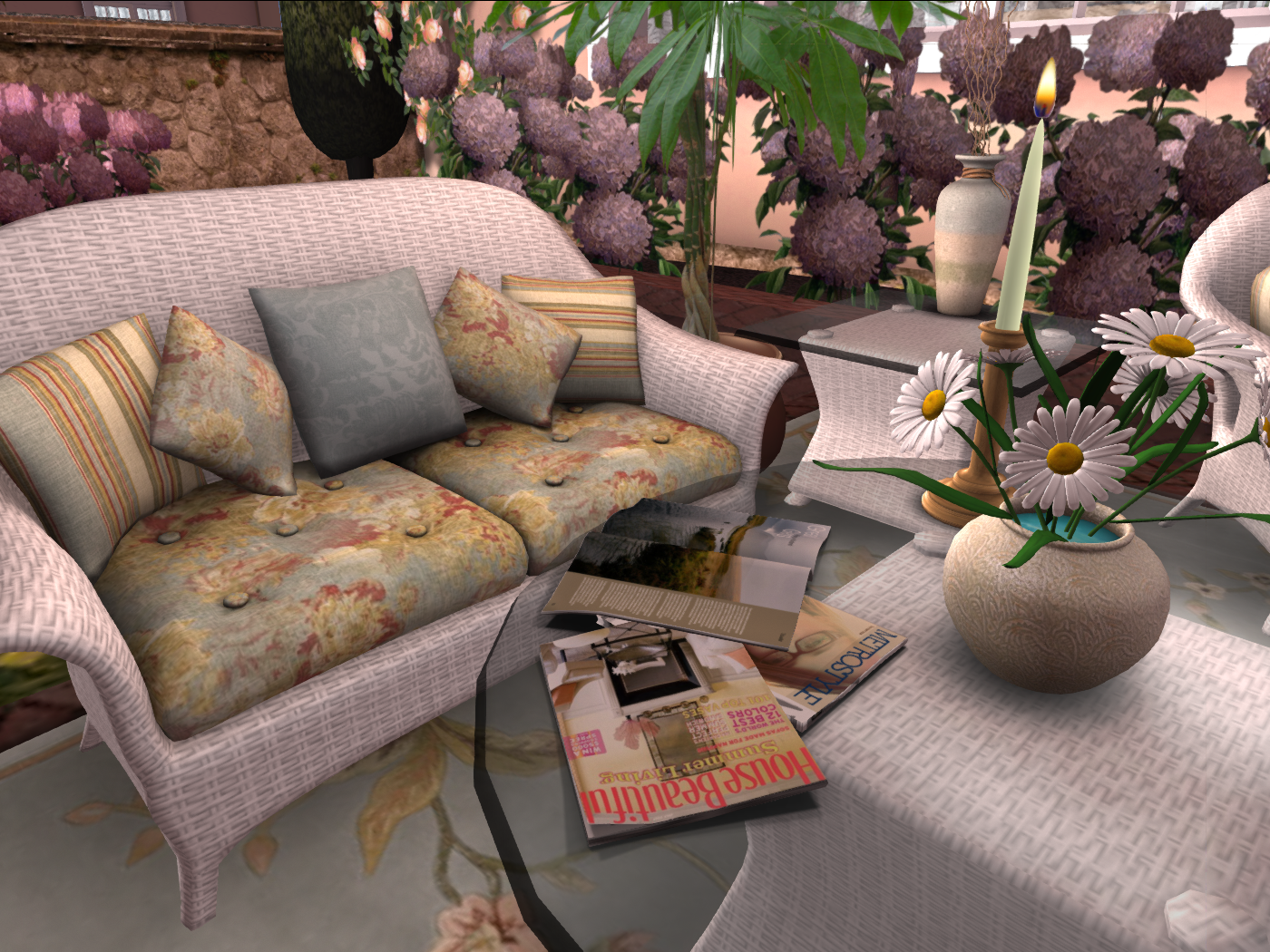
NEW La Galleria White Wicker Outdoor Living Set!

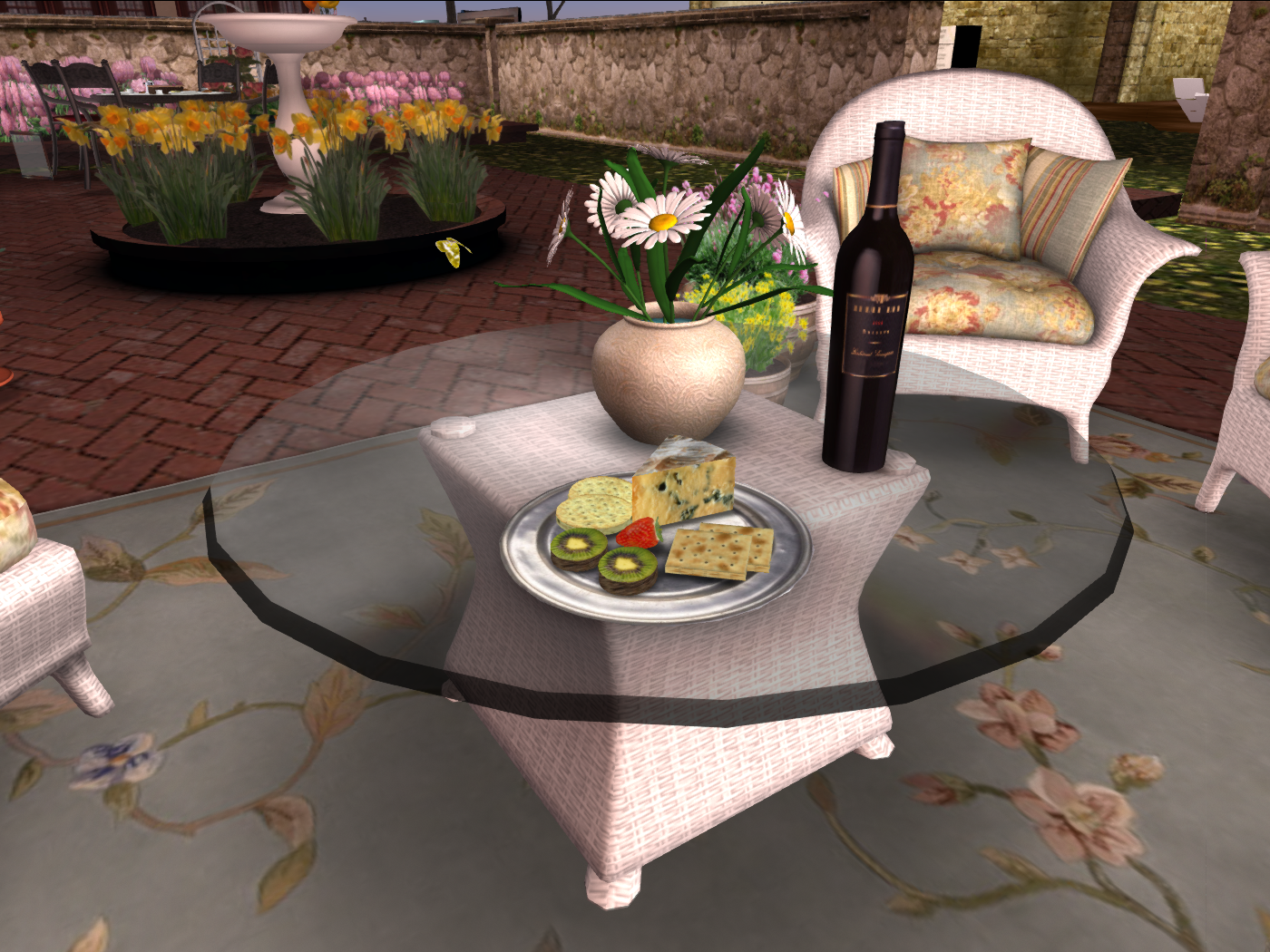
With plenty of seating and a coffee table that rezzes a variety of flowers, magazines, and appetizers for guests, this La Galleria Exclusive Set is the perfect addition to any patio or balcony.  All this for 34 prims! 

 Choose from a cheese plate, candles,  two magazine options, and either a daisy, tulip or orchid centerpiece.

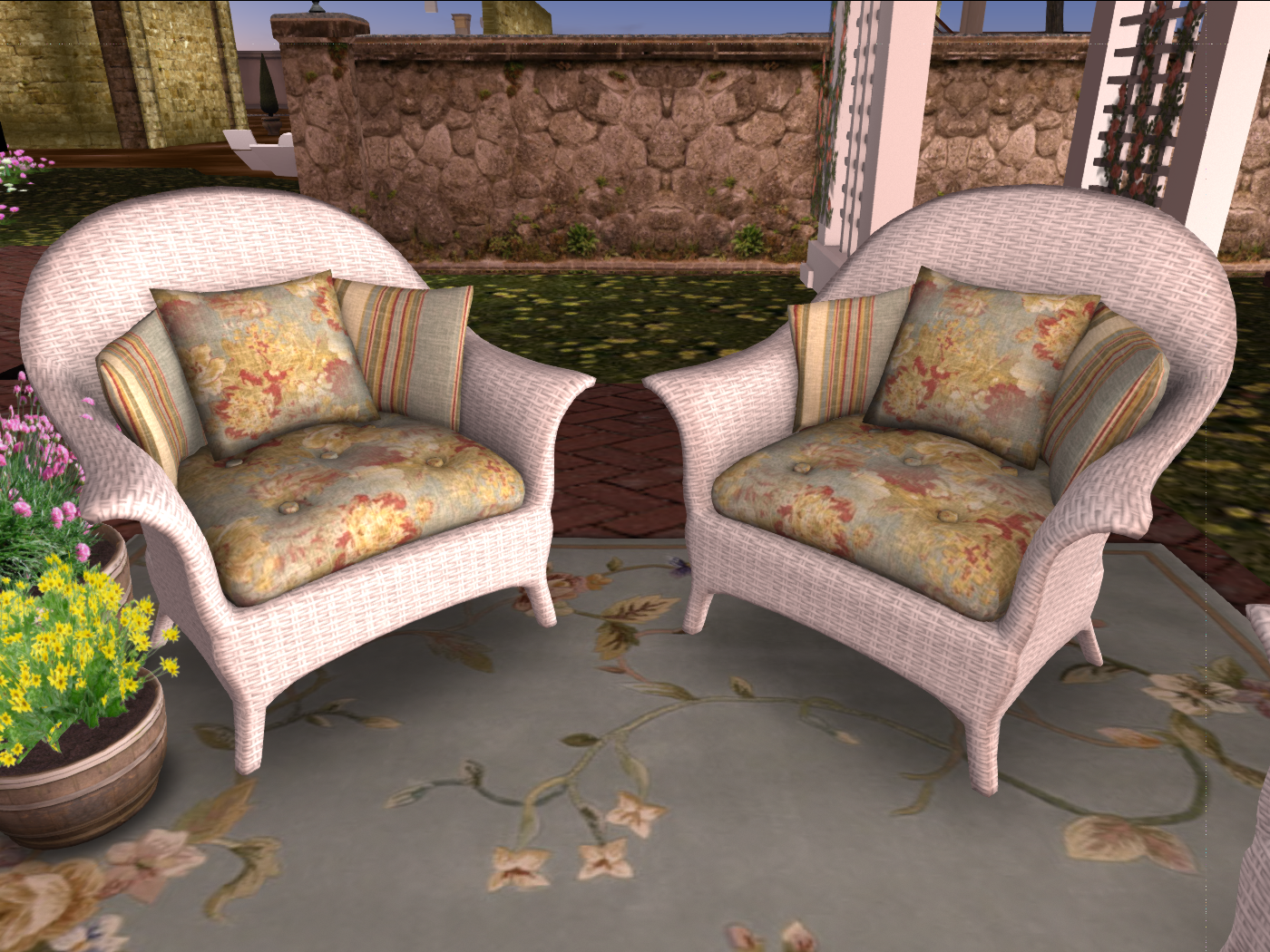
 La Galleria Exclusive White Wicker Armchairs
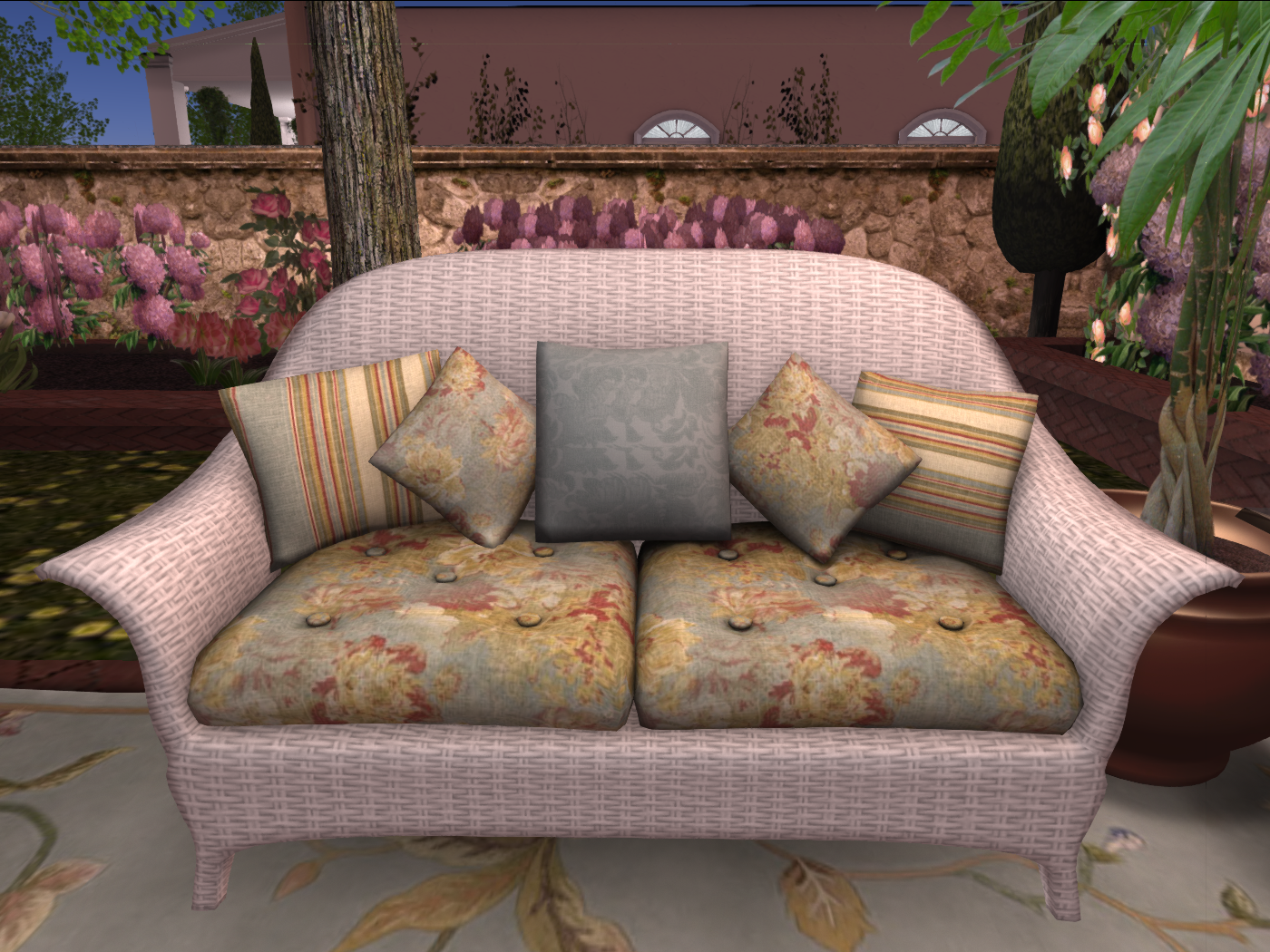
 La Galleria Exclusive White Wicker Loveseat

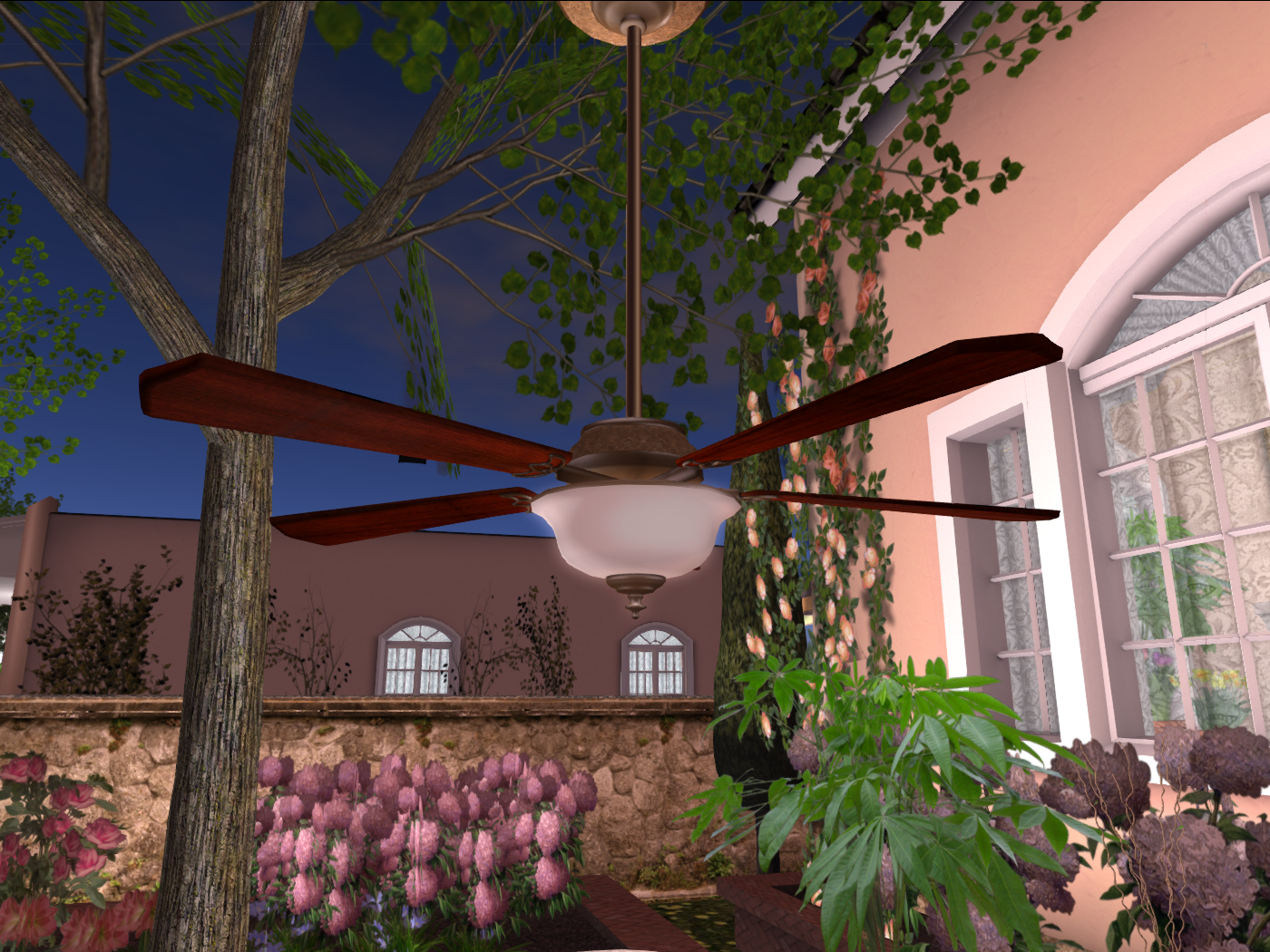
 Ceiling fan with on/off function and light.

 Also be sure to check out the White Wicker Hostess Set on the previous post, if you’re also interested in an al fresco dining experience!

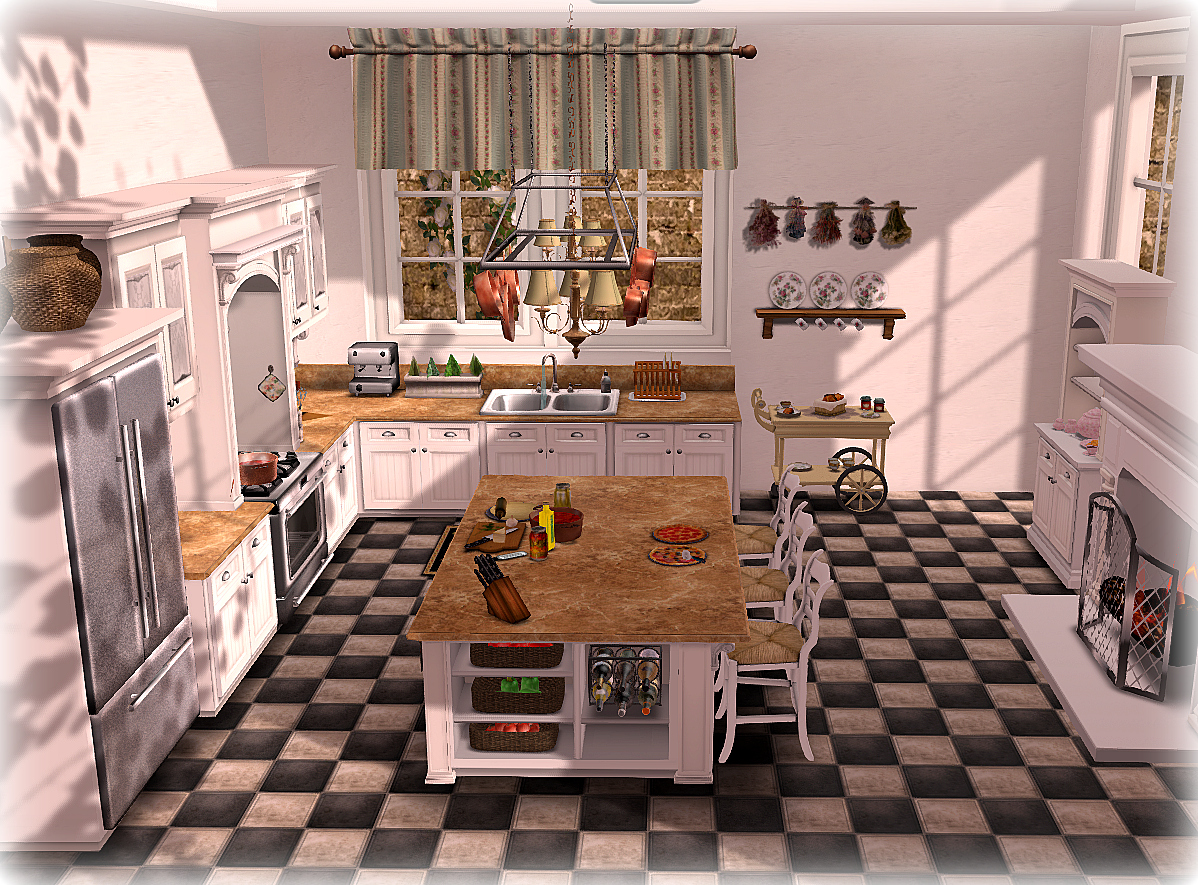
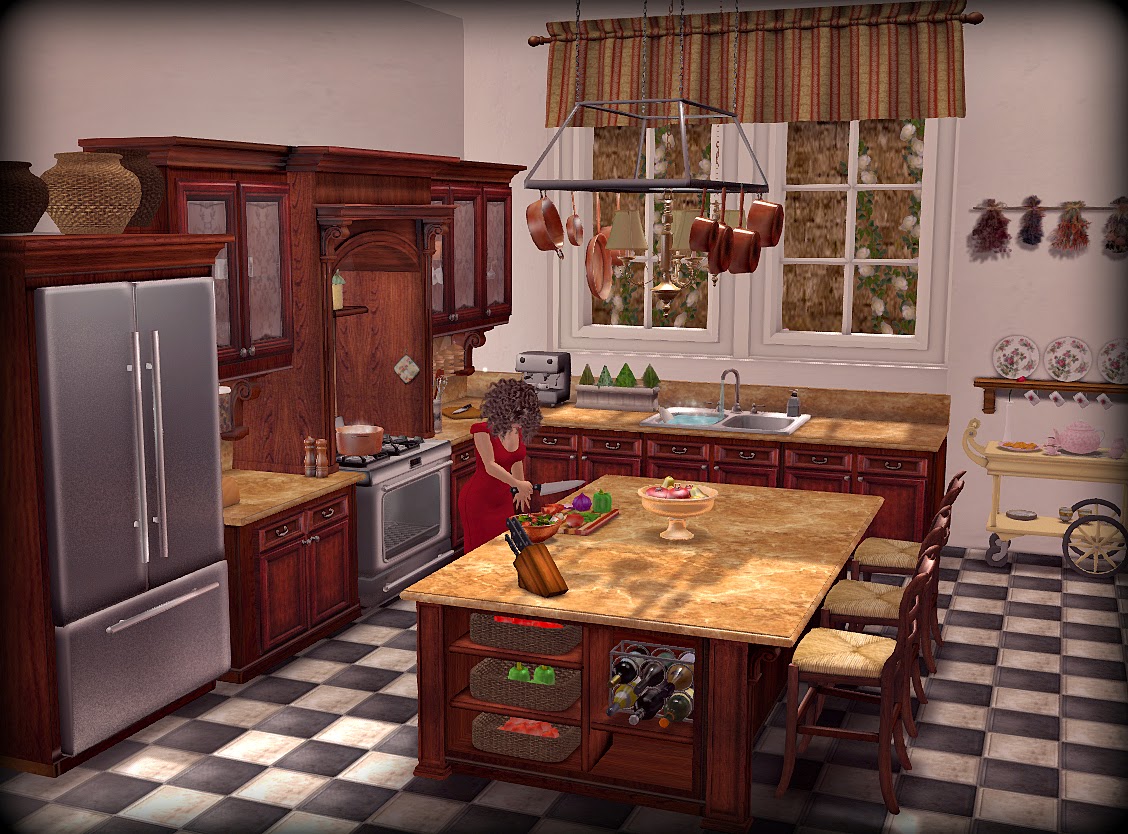
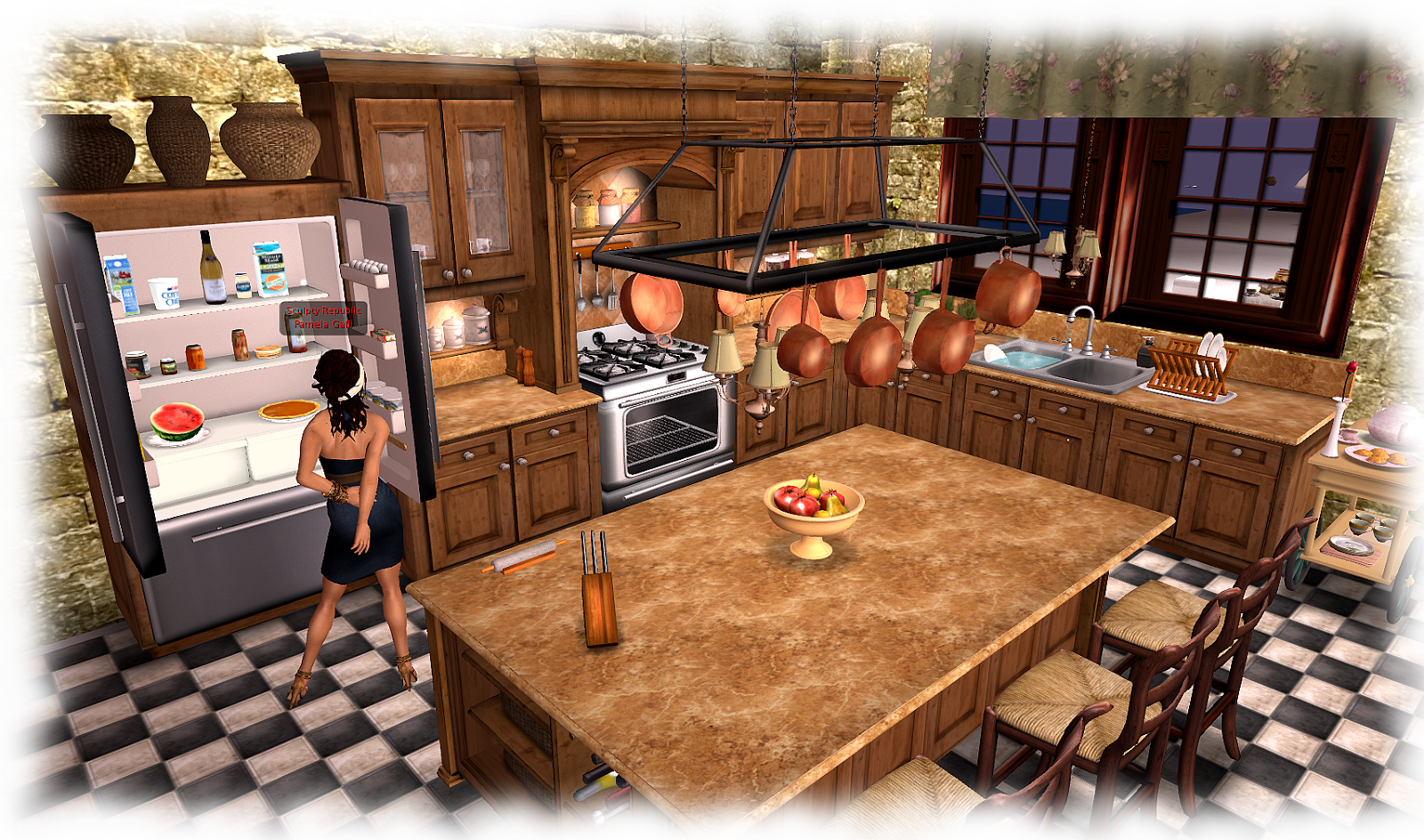
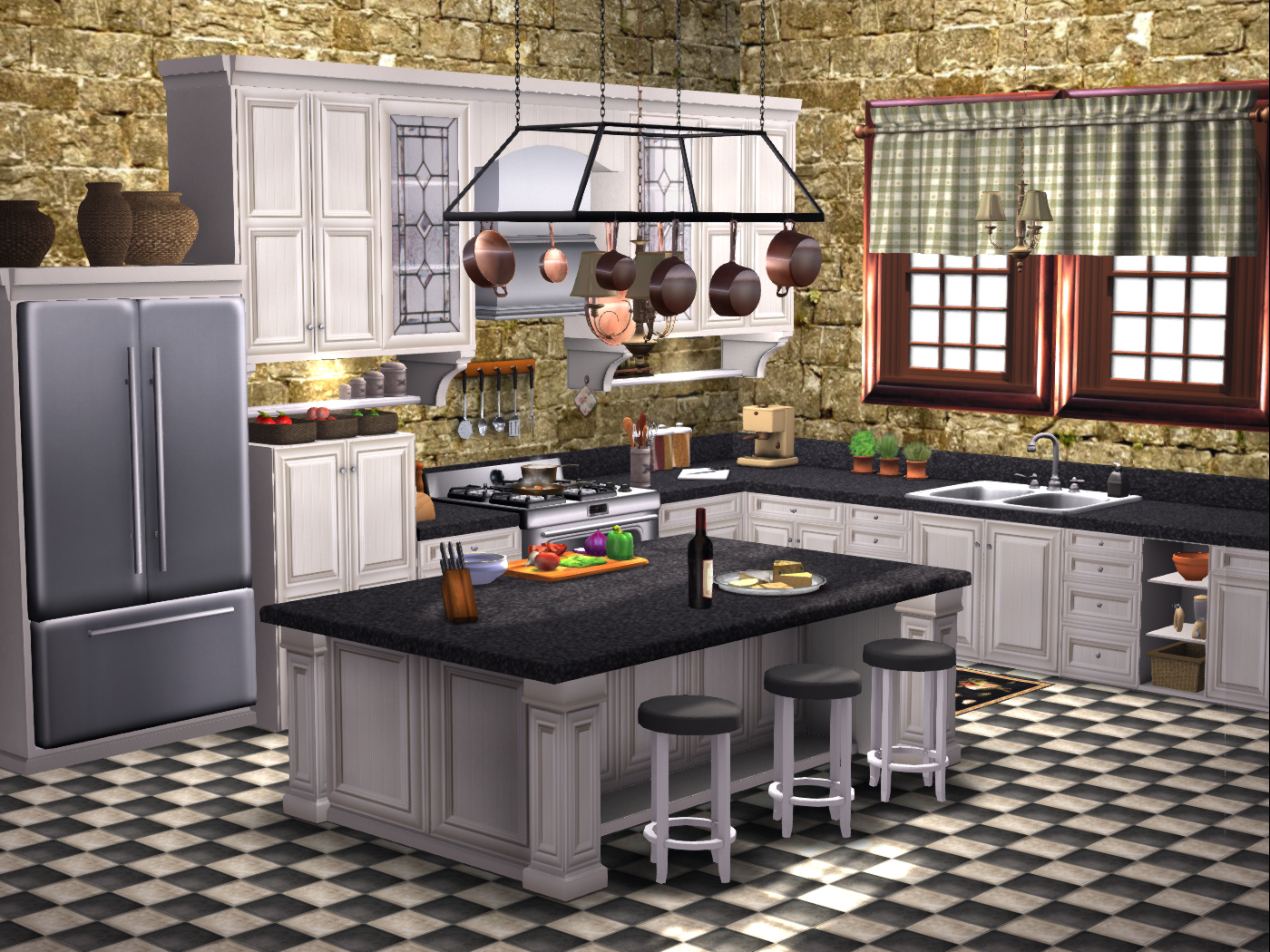
Your La Galleria MESH Dinner Party Kitchen

The La Galleria MESH Dinner Party Kitchen was originally designed to give people a way to prepare and cook the dinners that I had in my original Dinner Party dining tables, and this continues to be the case:  everything in the kitchen is in or can be added to the tables.

The kitchens  come with two different countertop texture change versions* — Amber or  Black Marble —  are modular, easy to modify, and have many different accessories, so you can customize to your kitchen’s size and prim count. Refrigerators are not linked and can be placed at either end of the kitchen or elsewhere. Freestanding cabinets and fireplace (not visible in picture) are not linked so may be placed anywhere.

Top cabinet doors have glass panels and open, and new specular and normal materials have been applied (visible only with a materials-enable viewer).

State of the art scripting allows owners and guests to directly attach utensils for cooking and preparing food without taking into inventory!
Many items rez from counters and shelves, no need to place them.

The basic kitchen with furniture and appliances is about 90 prims; fully loaded with accessories, add about another 120, depending on which you choose to use.

The picture below shows various places to Right or Left Click in order to animate, rez, or turn things on and off in one part of the kitchen (these yellow indicators rez with the kitchen and may be deleted whenever you like).

Click to enlarge and read labels.

* The Ebony and Cream kitchen does not come with texture change counters.